Administration
Admin workspace management
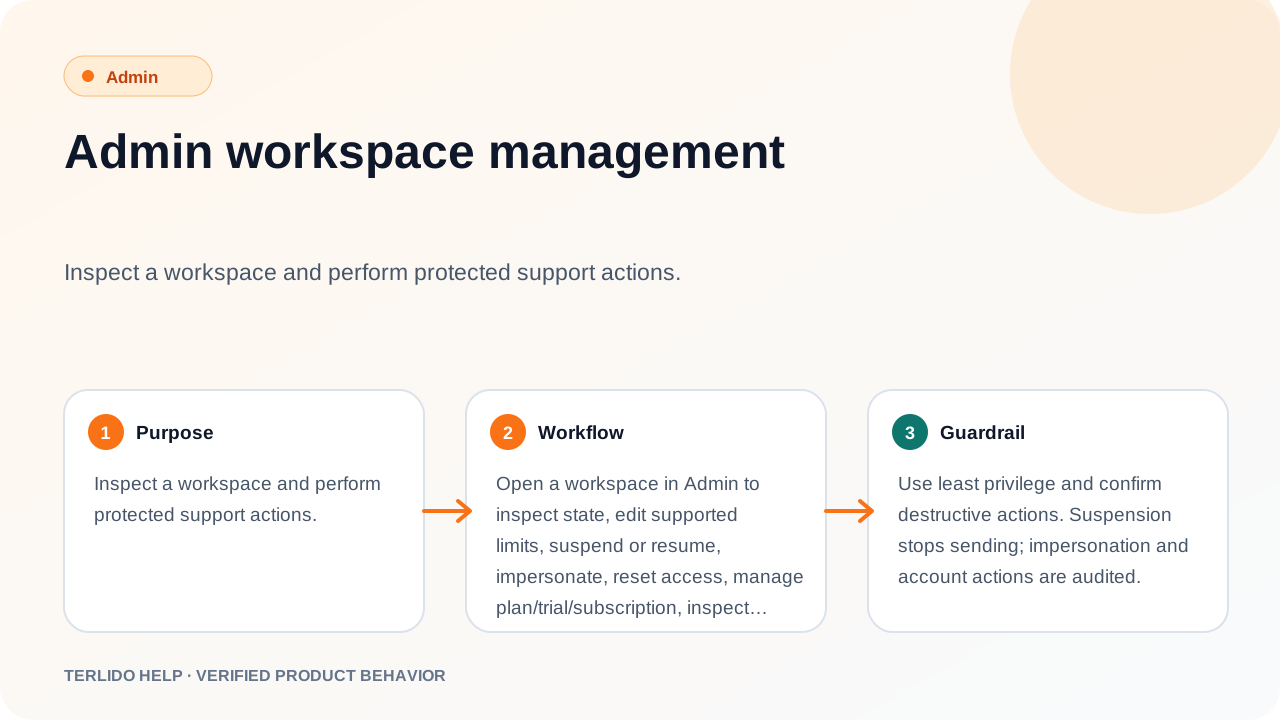
Inspect a workspace and perform protected support actions.
Inspect a workspace and perform protected support actions.
How to use it
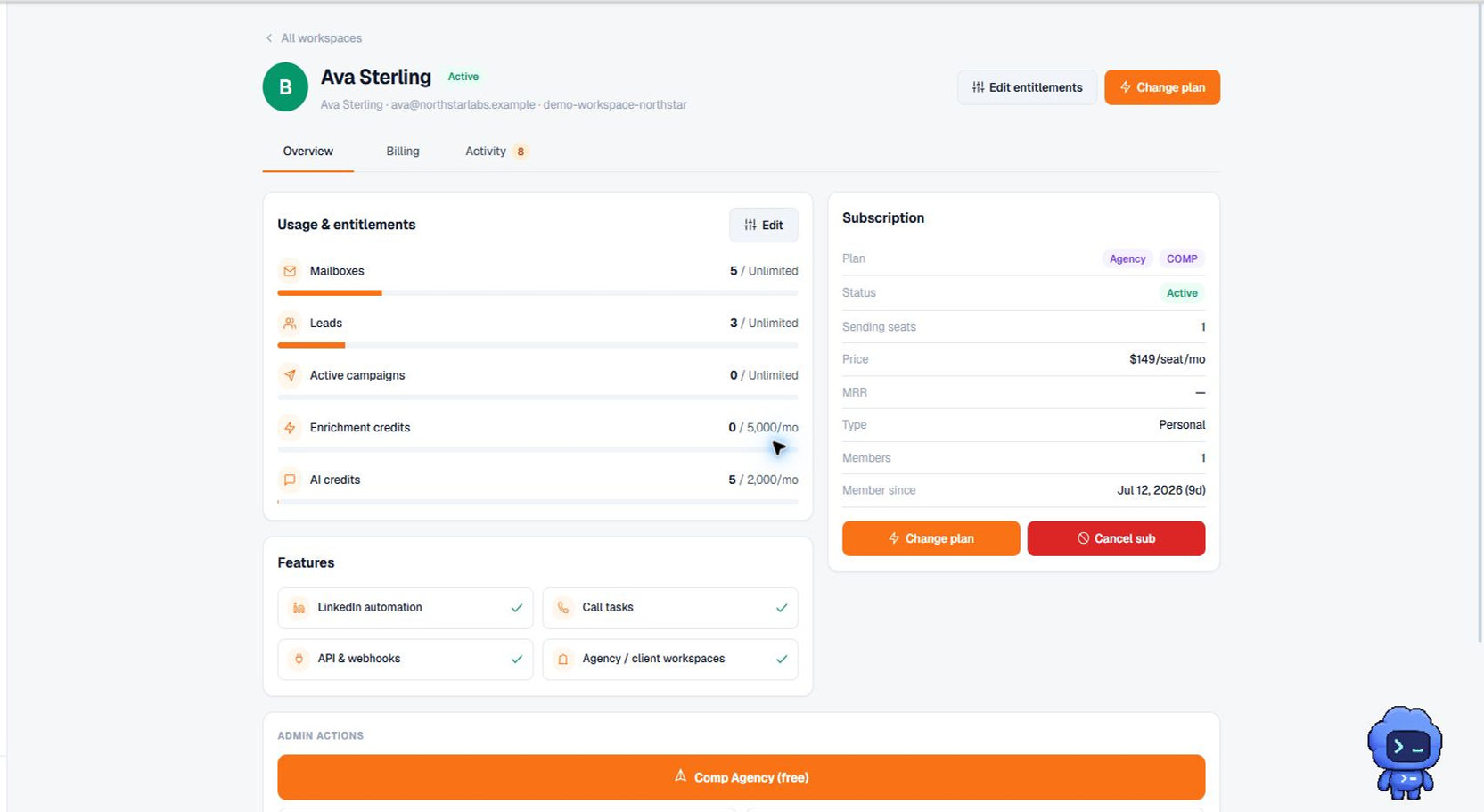
Open a workspace in Admin to inspect state, edit supported limits, suspend or resume, impersonate, reset access, manage plan/trial/subscription, inspect invoices, or use exposed deletion controls.
Important behavior
Use least privilege and confirm destructive actions. Suspension stops sending; impersonation and account actions are audited.