Public API
API keys
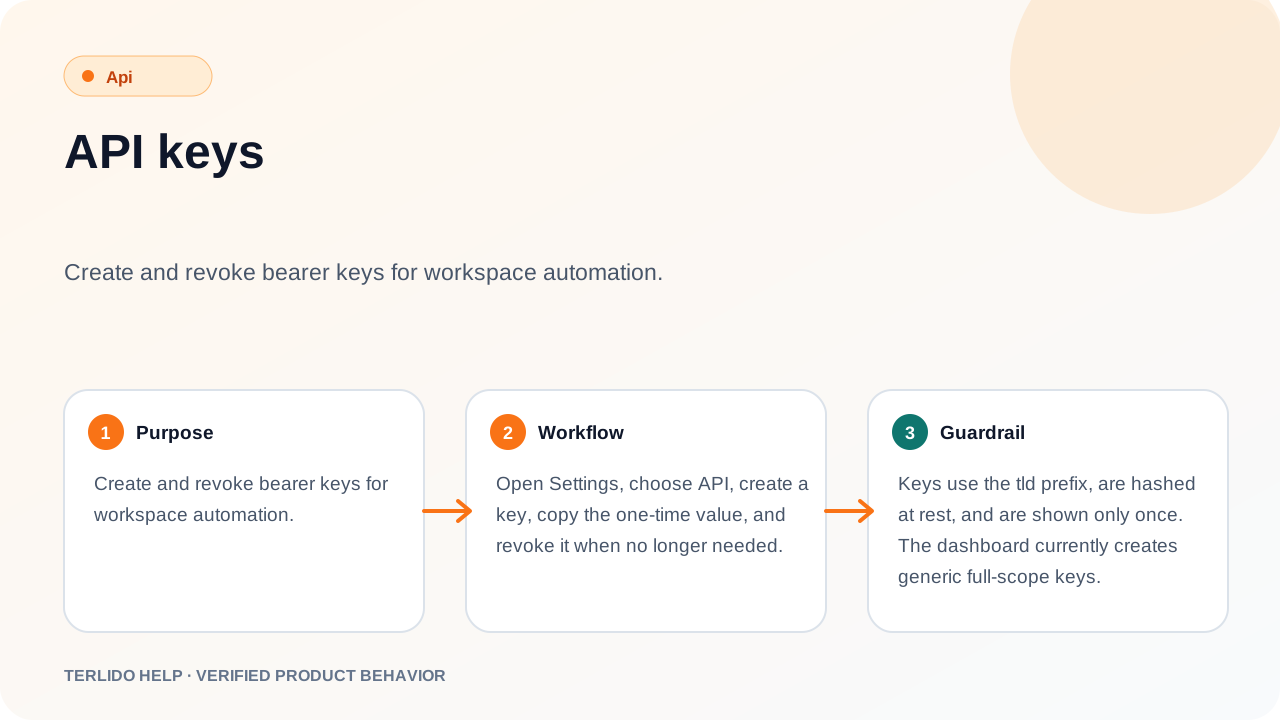
Create and revoke bearer keys for workspace automation.
Create and revoke bearer keys for workspace automation.
How to use it
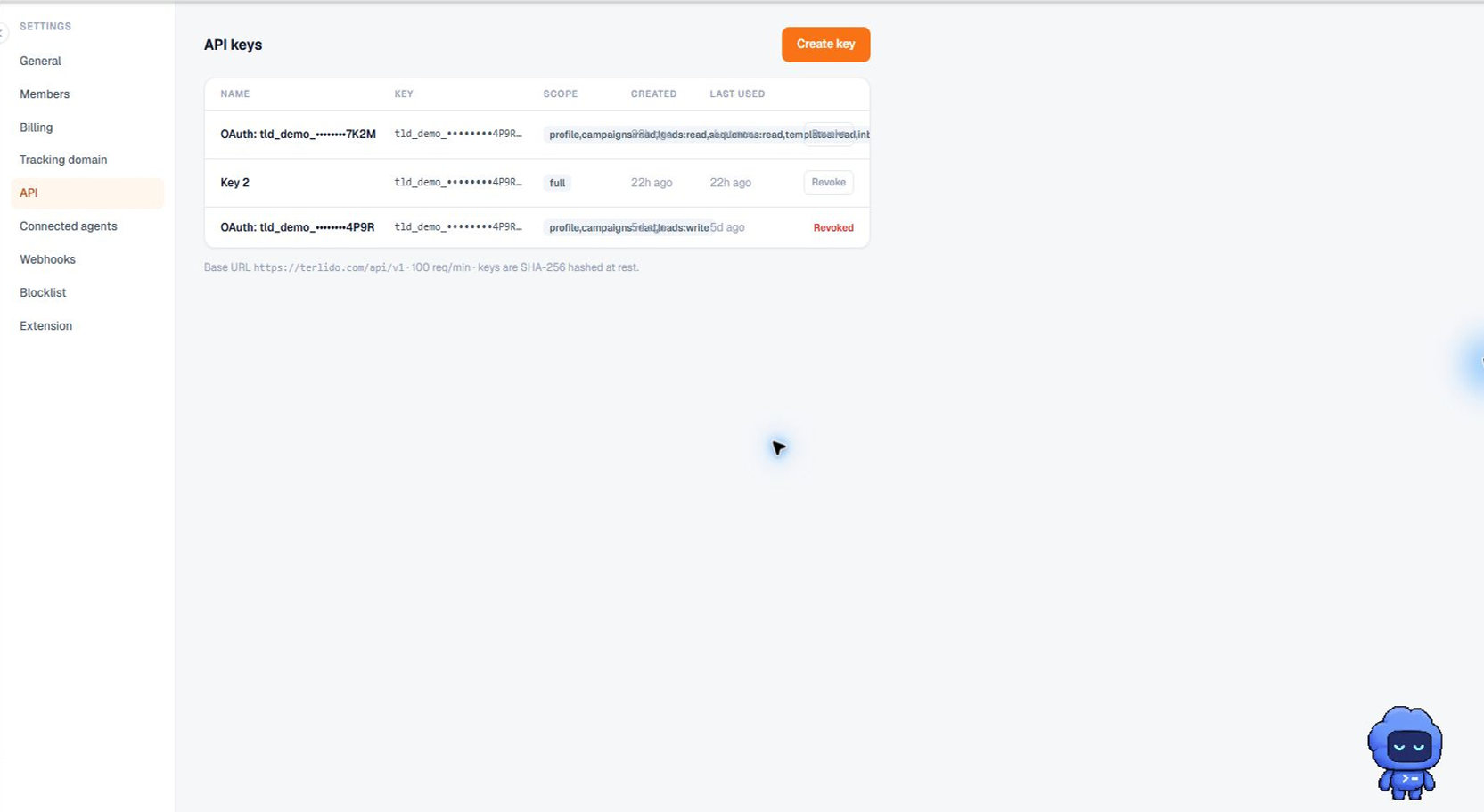
Open Settings, choose API, create a key, copy the one-time value, and revoke it when no longer needed.
API access is a plan feature. It is included on every paid plan except Email Pro, and a new workspace that has not chosen a plan has it for the length of its trial. On a plan without it, creating a key and every request made with one are both refused with a 402 and an upgrade prompt.
Important behavior
Keys use the tld_ prefix, are hashed at rest, and are shown only once. The dashboard currently creates generic full-scope keys.