Mailbox rest
Terlido takes a mailbox that lands in spam out of your campaigns, keeps warming it up, and tells you when it is ready again.
When a mailbox starts landing in spam, every campaign email it sends hurts it a little more. Terlido notices this, stops sending campaigns from that mailbox, keeps warming it up, and emails you. When it has recovered, you put it back with one click.
How Terlido notices
Once an hour, Terlido looks at every connected mailbox that sends for a running campaign. It reads where that mailbox's warm-up emails landed over the last 3 days: in the inbox or in spam.
The mailbox rests when either is true:
- 25% or more of its warm-up emails landed in spam, or
- 10% or more landed in spam and the campaign open rate fell by half or more compared with the 14 days before. This one needs at least 100 campaign emails in each period.
Terlido does not judge a mailbox with fewer than 20 warm-up emails in the last 3 days. A drop in opens on its own never rests a mailbox, because opens are not reliable: some mail apps count an email as opened without anyone reading it, and others block the images that count a real open.
Warm-up placement is the main signal, so a mailbox needs warm-up turned on to be checked. See Warmup reputation and health.
What happens while a mailbox rests
- The mailbox sends no campaign email.
- Its campaigns keep sending from their other mailboxes.
- A running campaign with no other usable mailbox pauses, with the reason "Auto-paused · all senders resting".
- Warm-up keeps running, so the mailbox can rebuild its reputation.
- Your replies still go out. Replies and direct emails from the Inbox, and Newsletter sends, are not affected.
- Contacts already in progress on that mailbox wait. Their follow-ups stay on the same mailbox, so they continue after you resume it.
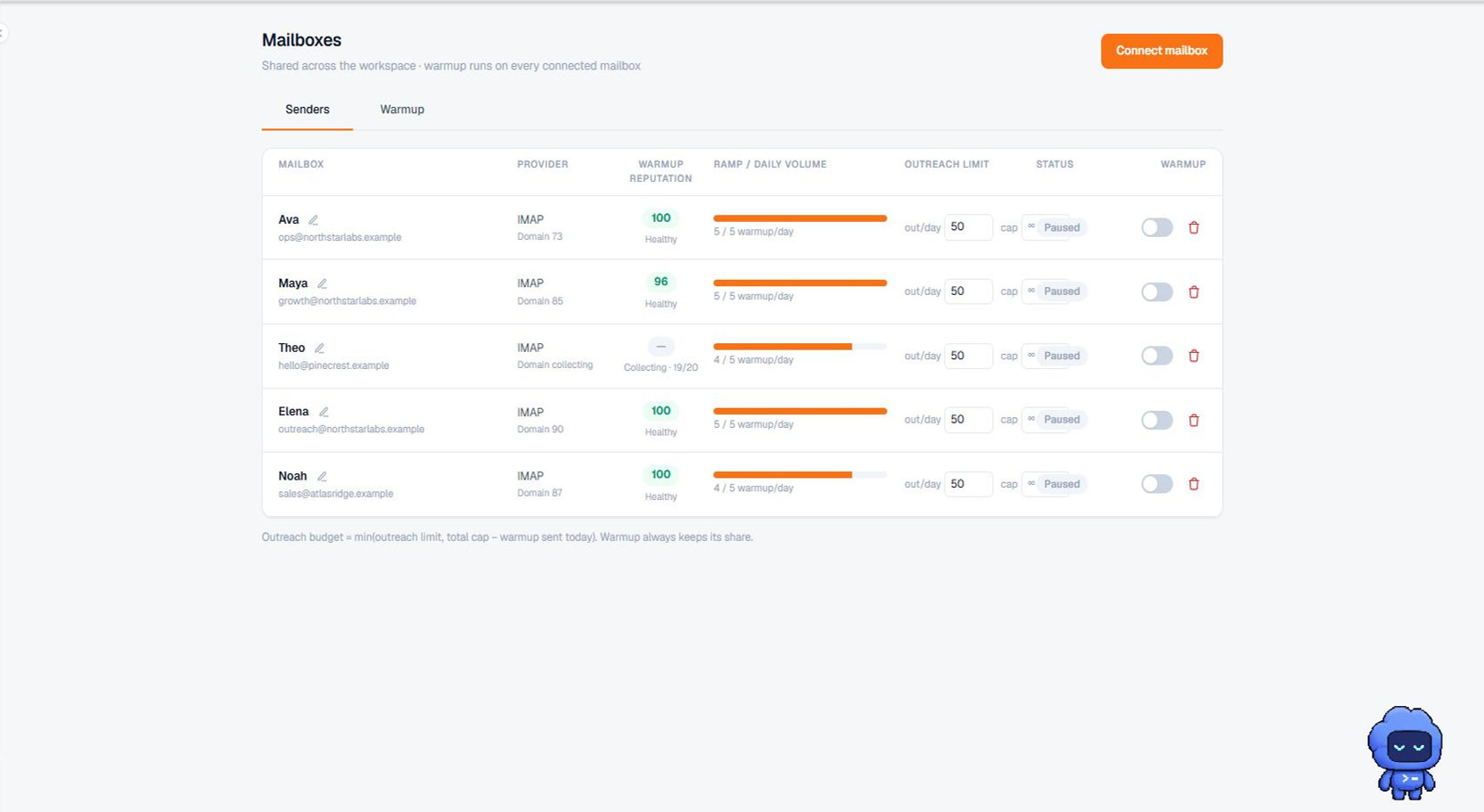
On Sending accounts, the mailbox shows a Resting badge and the reason, for example "Spam placement 25.0% (warm-up, last 3 days)".
Who gets told
The workspace owners and the team member who connected the mailbox get two emails:
- When it rests: which mailbox, why, and which campaigns paused because of it. If the email cannot be sent, Terlido tries again every hour until it goes out.
- When it is ready to return: once each of the last 3 days had at least 10 warm-up emails and less than 10% of them landed in spam.
The Activity feed also records when a mailbox rests and when it is resumed.
Resume a mailbox
- Open Sending accounts (Outreach > Mailboxes).
- Find the mailbox with the Resting badge.
- Hover Resume to see whether it has recovered, then click it.
You can resume a mailbox before it has recovered. That is your call, but it may land in spam again.
After you resume it:
- Campaigns can send from it again.
- Campaigns that paused do not restart on their own. Open each one and launch it again.
- Terlido waits 3 days before it can rest the same mailbox again, so it judges only what happens after the resume.
For developers and agents
- Webhooks:
mailbox.restedandmailbox.resumed. See Webhooks. - The
list_mailboxesMCP tool returnsrestingSince,restReasonandrecoveryReadyfor each mailbox. There is no MCP tool to resume a mailbox; resume it in the app.
Partial today
- The limits (25%, 10%, 20 warm-up emails, 3 days) are fixed. You cannot change them per workspace.
- A mailbox is never resumed automatically.
- Warm-up runs at its normal volume while a mailbox rests.