Getting Started
Theme and navigation
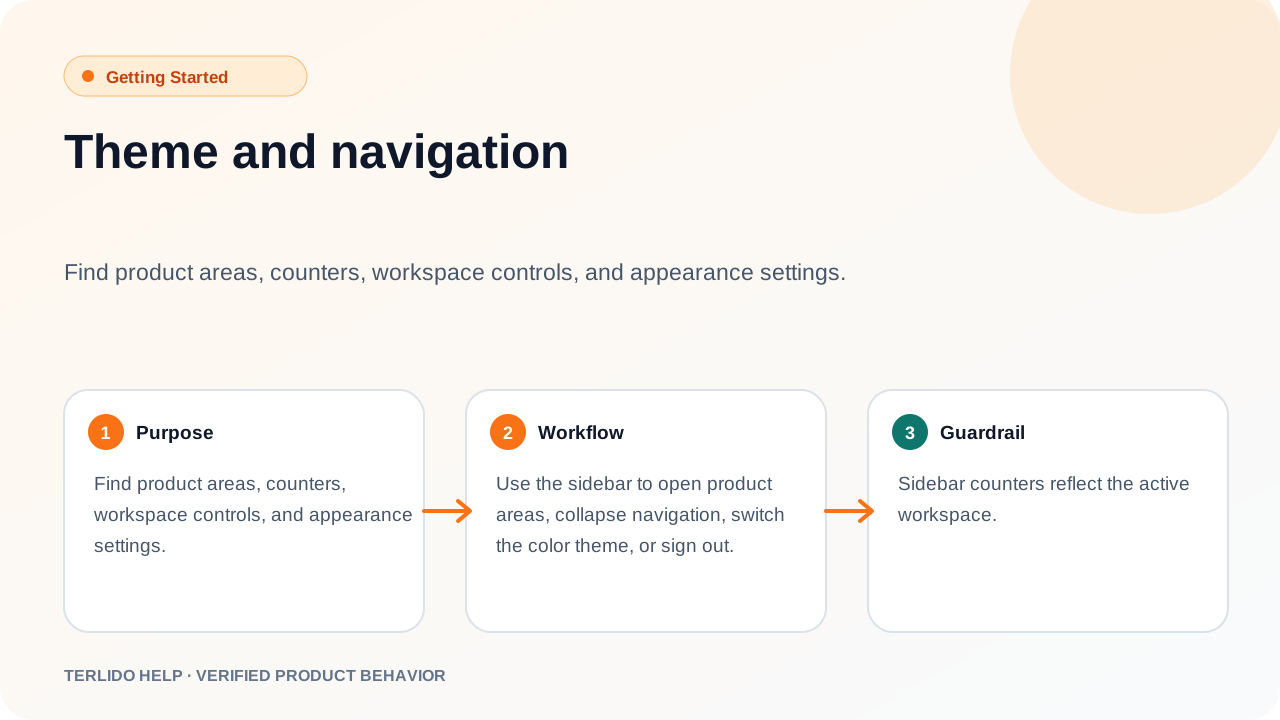
Find product areas, counters, workspace controls, and appearance settings.
Find product areas, counters, workspace controls, and appearance settings.
How to use it
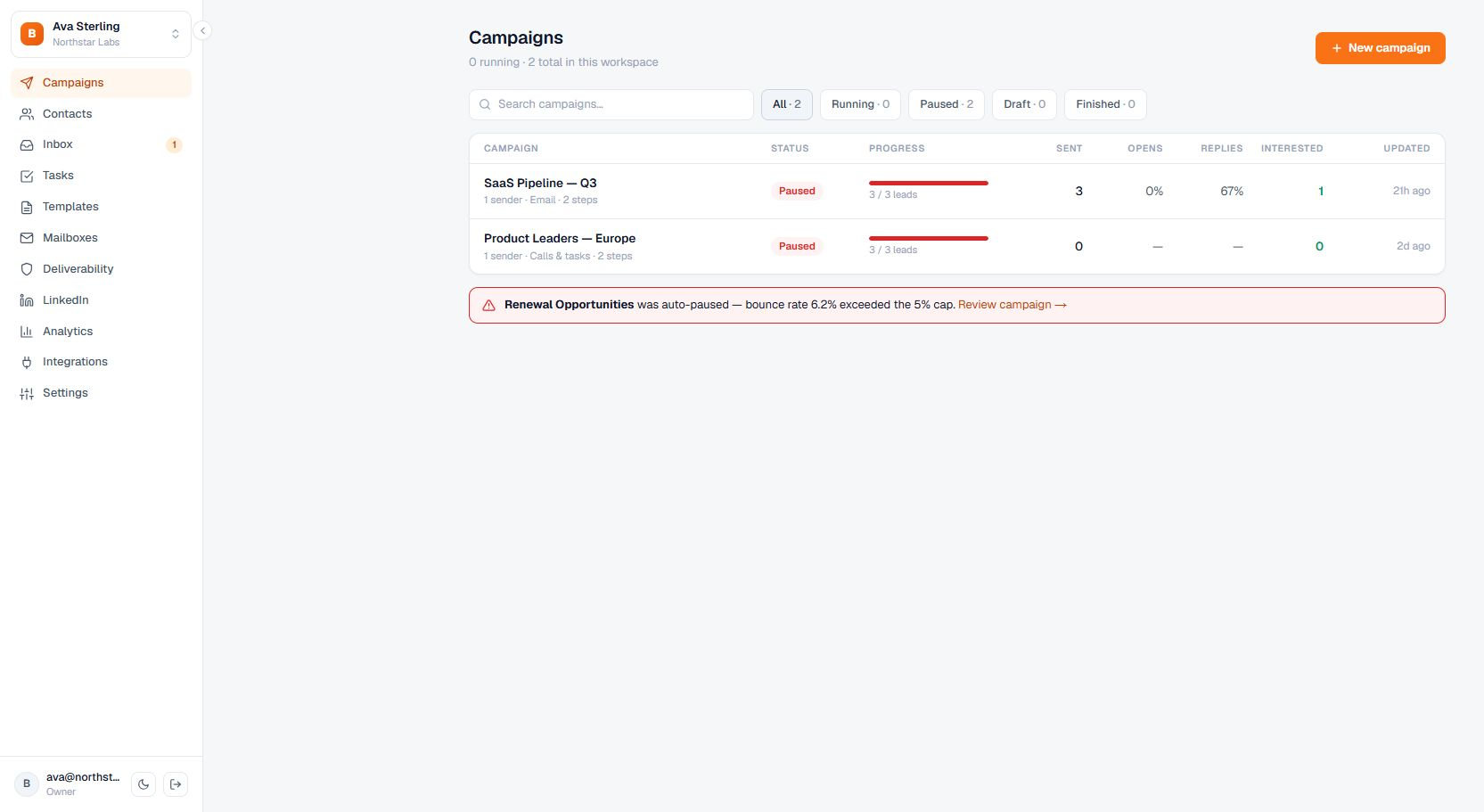
Use the sidebar to open product areas, collapse navigation, switch the color theme, or sign out.
Important behavior
Sidebar counters reflect the active workspace.