Mailboxes
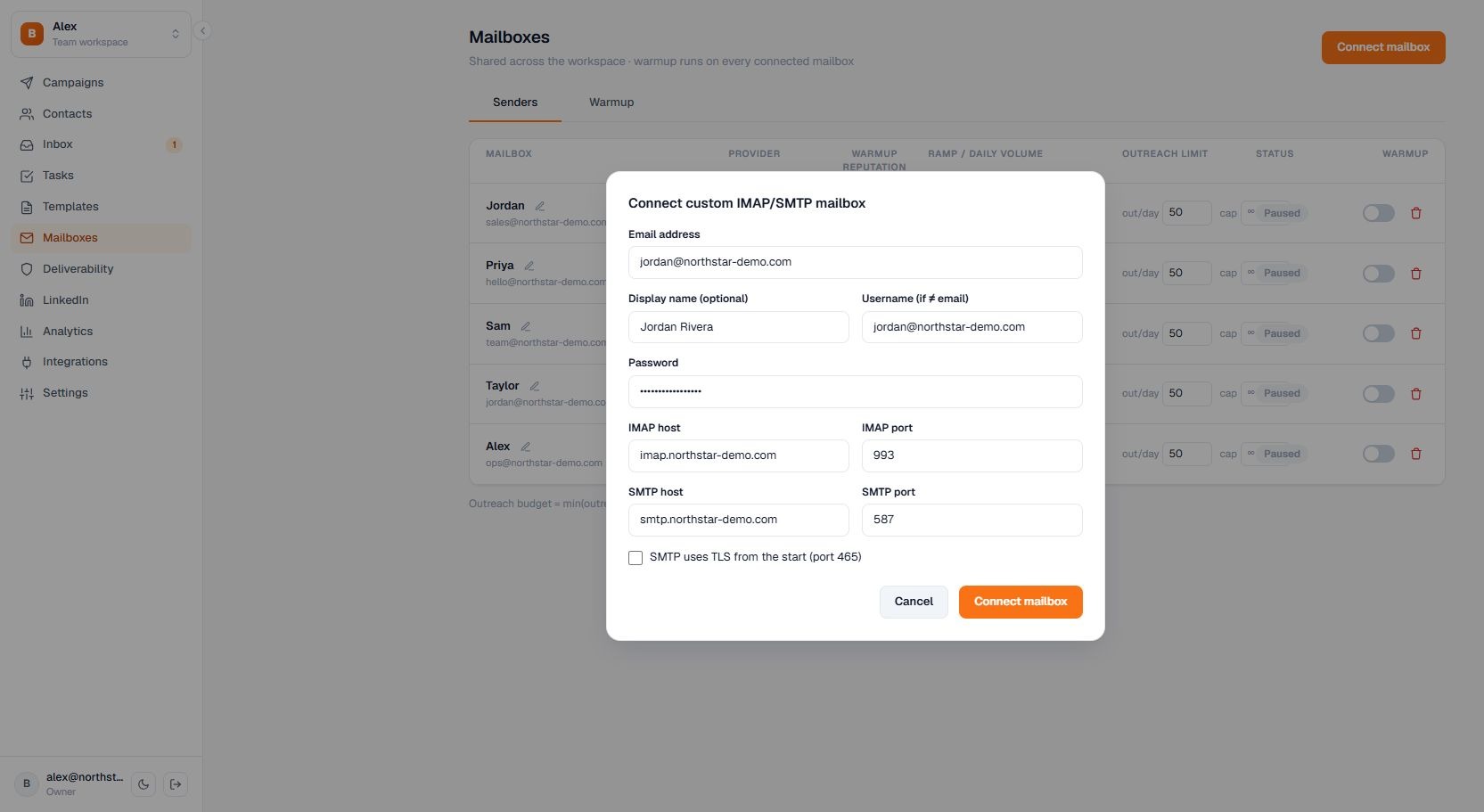
Connect a custom IMAP/SMTP mailbox
Connect another provider with incoming and outgoing server credentials.
Connect another provider with incoming and outgoing server credentials.
How to use it
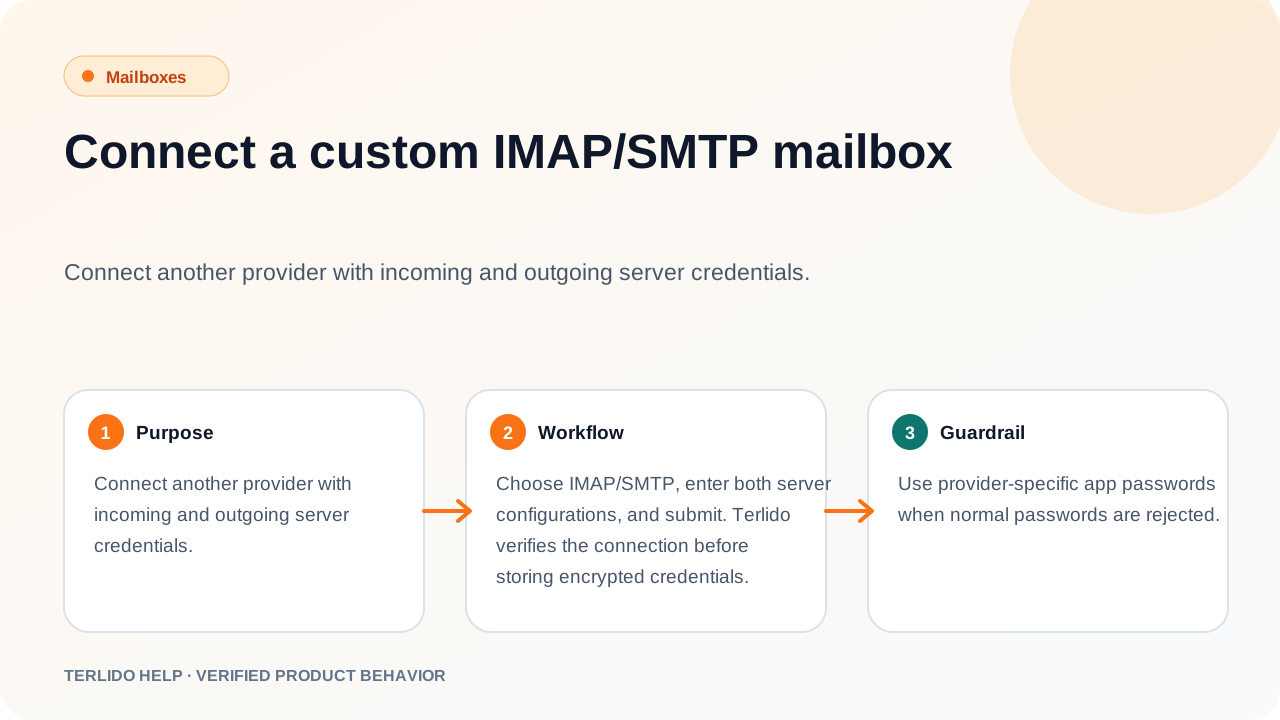
Choose IMAP/SMTP, enter both server configurations, and submit. Terlido verifies the connection before storing encrypted credentials.
Important behavior
Use provider-specific app passwords when normal passwords are rejected.