AI agents
Connect AI agents
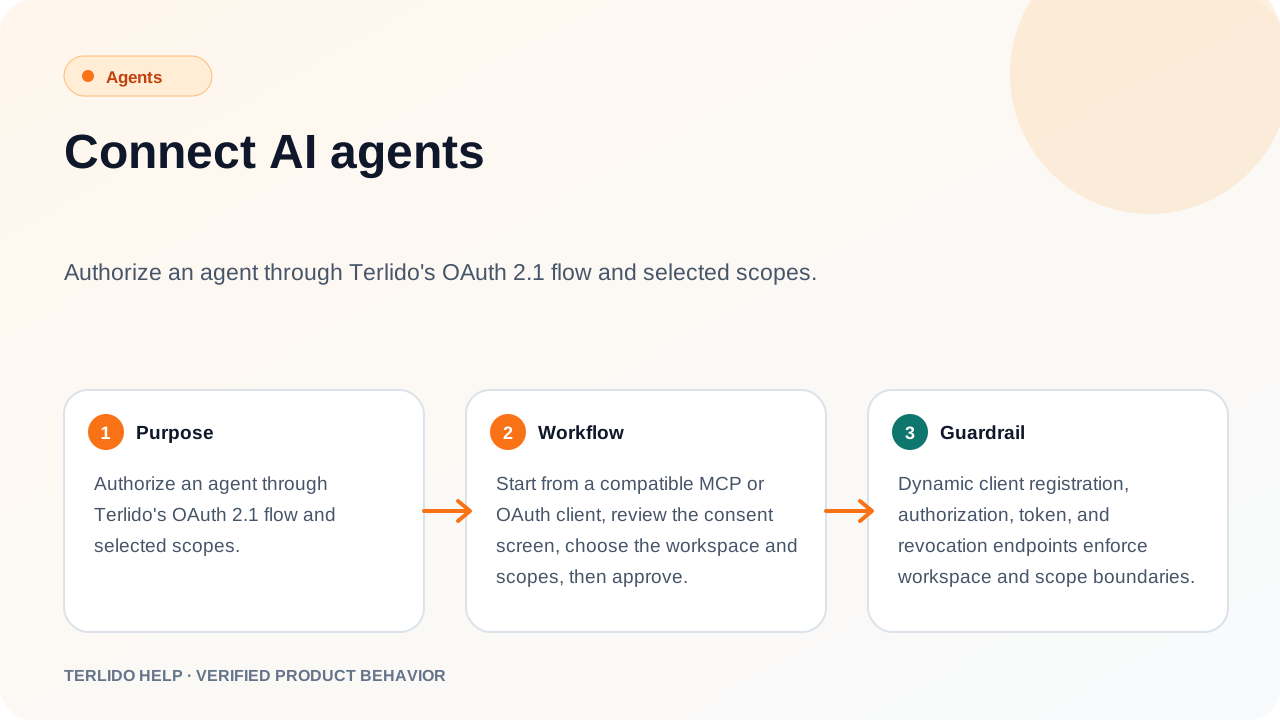
Authorize an agent through Terlido's OAuth 2.1 flow and selected scopes.
Authorize an agent through Terlido's OAuth 2.1 flow and selected scopes.
How to use it
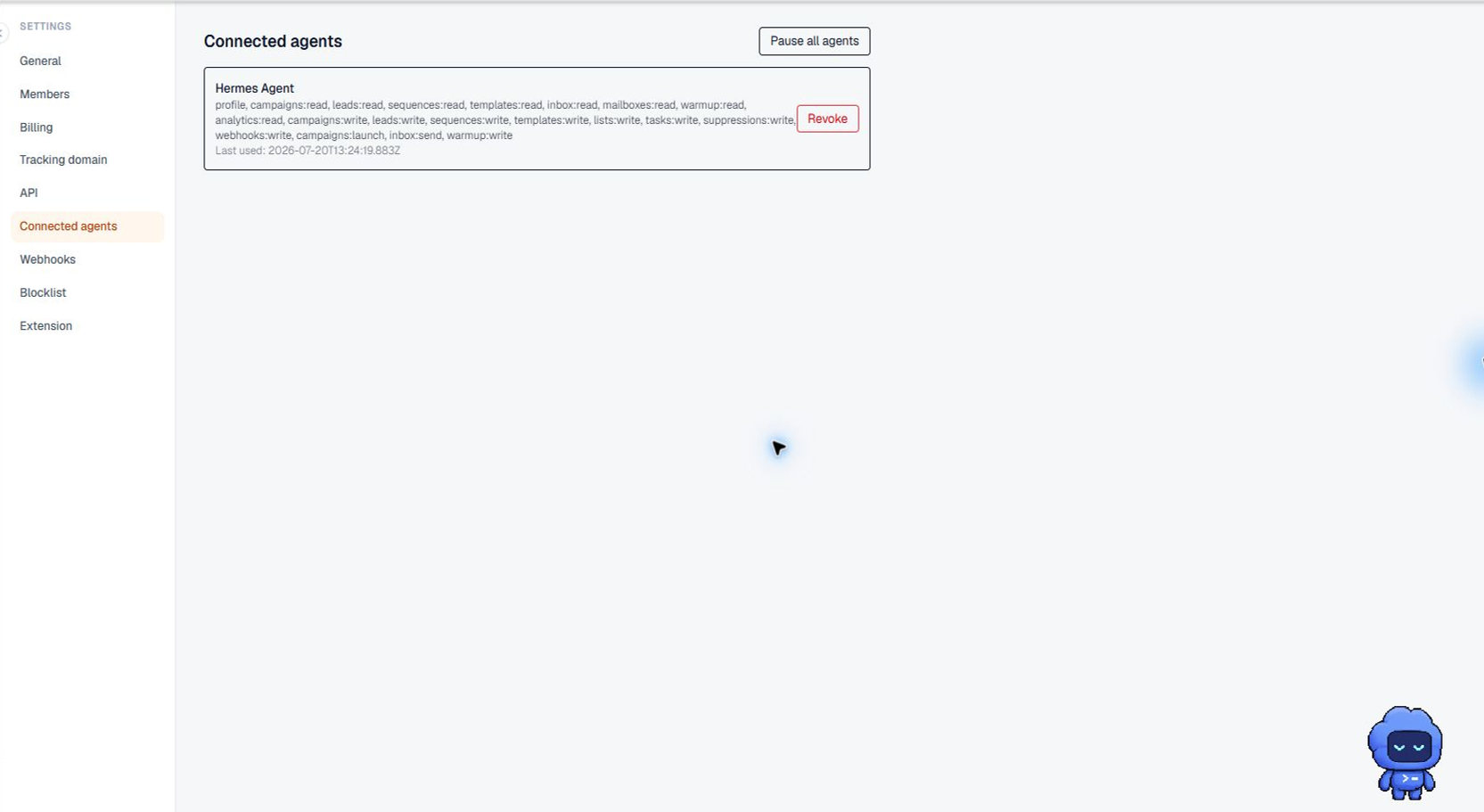
Start from a compatible MCP or OAuth client, review the consent screen, choose the workspace and scopes, then approve.
Agent access is a plan feature, included on every paid plan except Email Pro. The consent screen only lists workspaces that have it and where you are an owner or admin; if none qualify it says so instead of showing a workspace to approve. A new workspace that has not chosen a plan qualifies for the length of its trial.
Important behavior
Dynamic client registration, authorization, token, and revocation endpoints enforce workspace and scope boundaries.