MCP tools
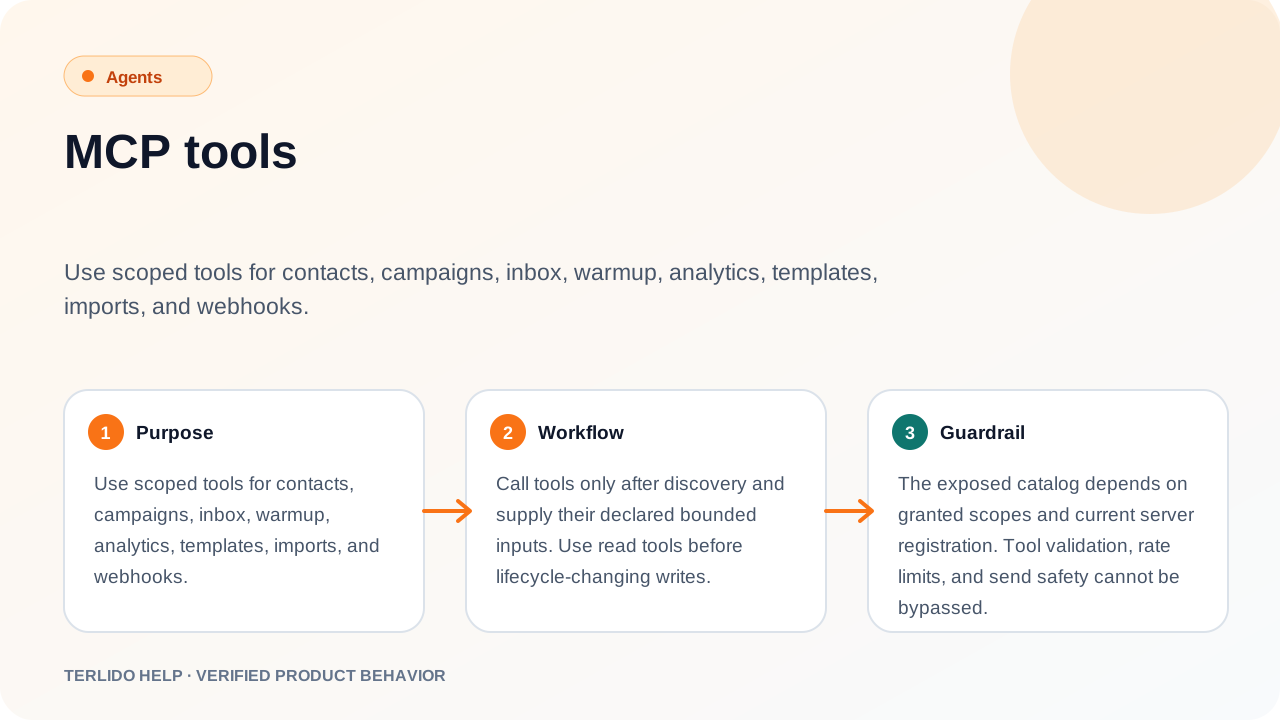
Use scoped tools for contacts, campaigns, inbox, warmup, analytics, templates, imports, and webhooks.
Use scoped tools for contacts, campaigns, inbox, warmup, analytics, templates, imports, and webhooks.
How to use it
Call tools only after discovery and supply their declared bounded inputs. Use read tools before lifecycle-changing writes.
For automation that will enroll contacts or launch sending, call get_campaign_execution_scope
immediately before approval. Keep its editRevision, status, and scopeHash with the approved
action. add_campaign_leads_guarded checks those values inside the same serializable transaction as
the exact enrollment. A guarded draft-only launch_campaign checks them again inside the activation transaction.
If campaign settings, schedule, senders, sequence content, or audience changed, the mutation stops.
After an uncertain enrollment response, use check_campaign_leads with the exact approved IDs;
retry only if it conclusively reports that enrollment is incomplete.
For send_reply, supply one stable caller-owned operationId and reuse it after a transport gap.
Call get_reply_operation with that ID and the exact thread to read sent, sending, or
delivery_unknown without reading or matching message content. Never use a new ID to retry an
uncertain delivery.
Bounded enrichment
Use the enrichment tools as a fixed sequence:
- Call
get_enrichment_capabilitiesfor masked availability. This costs zero credits, performs database reads only, writes no audit/analytics record, and never returns or decrypts a key. Suppression is available only when the configured non-GLOBALauthority is an agency workspace and the connected tenant maps to it as its exact parent. - Call
preflight_enrichment_accountswith the exact workspace, campaign, and no more than 25 accounts. Keep itsevidenceHash. Preflight performs no provider call, CRM import, enrollment, or send, but it does write short-lived authority/campaign/target-bound evidence plus audit and analytics records, so it requiresleads:write. Repeated identical calls create fresh evidence and are intentionally non-idempotent. Its duplicate check runs on company domain and name, but its suppression and campaign-overlap checks run on theemailsyou supply — pass placeholder addresses and those two legs report nothing. - Call
search_professional_roleswith that hash, the same campaign and complete exact account set (up to 10), and a stable caller-ownedidempotencyKey. It returns at most one masked preview per account and never imports a contact. Reuse the same key after a transport gap; never bypass an uncertain operation with a new key. Every account costs one credit whether or not a preview matches, and a preview matches only when its title equals one of yourroleTitlesexactly, ignoring case — near-misses spend the credit and return no selection. - If you already have exact email-bearing results that you are authorized to verify, call
verify_exact_emailswith 1–25 results and a stable caller-ownedidempotencyKey. Every result key must be a unique opaque digest. Emails use strict business-mailbox syntax and are trim/lowercase canonicalized; duplicate canonical addresses are rejected before any dependency or provider call.
Verification and professional-role previews are evidence only. They do not grant permission to contact someone,
create a CRM contact, enroll a campaign, or send a message. If either returns uncertain, reuse the
same key to read the durable state and do not retry with a new key.
Use only privacy-safe opaque digests for durable correlations: account keys are
acct_ + 64 lowercase SHA-256 hex characters, replay keys are idem_ + 64 lowercase hex
characters, and result keys are result_ + 64 lowercase hex characters. Raw names, email
addresses, and phone numbers are rejected before database or provider access.
These tools cannot source an email address
Bounded enrichment qualifies people. It never produces an address, and no sequence of these tools
will. Source addresses through your own provider account, then bring them back to Terlido for
verify_exact_emails, import_leads, or create_lead.
search_professional_rolesreturns previews only: first name, masked surname, title, company name, andcapabilitiesbooleans.capabilities.email: truemeans the provider holds an address, not that you can read it. The provider's search endpoint returns no address at this account tier, and the adapter drops the field by construction even if one appears.- A preview's
resultKeyis a one-way digest of the provider's internal record ID, so it cannot be turned back into that ID, and no tool accepts it as an enrichment input. Resolving a preview into a full record — the step that yields an address — exists only in the Terlido app's lead-search import, not on this surface. enrich_leadwithkind: "find_email"matches on the lead's name, its linked company name, and the domain of its existing email. Terlido's synthetic placeholder domain is deliberately withheld from the provider, so a placeholder-addressed lead is matched on name and company alone and usually resolves to nothing. It is not a fallback for the step above.verify_exact_emailsverifies addresses you already hold. It never reveals one.
Preflight is still worth running first on the full set: it costs no credits and screens for duplicates, suppression, and campaign overlap before you spend anything anywhere.
Important behavior
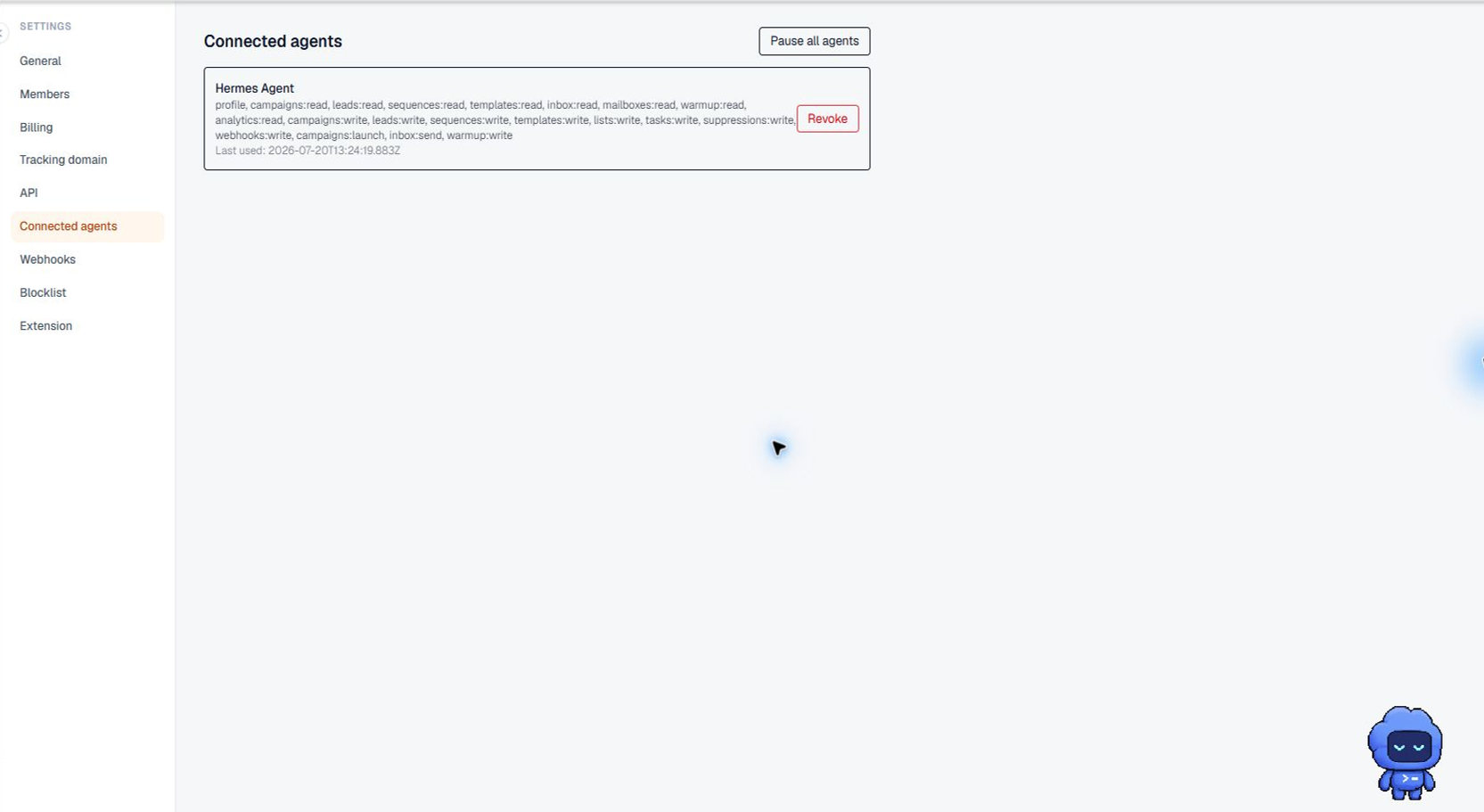
The exposed catalog depends on granted scopes and current server registration. Tool validation, rate limits, and send safety cannot be bypassed.