Billing
Subscribe or switch plans
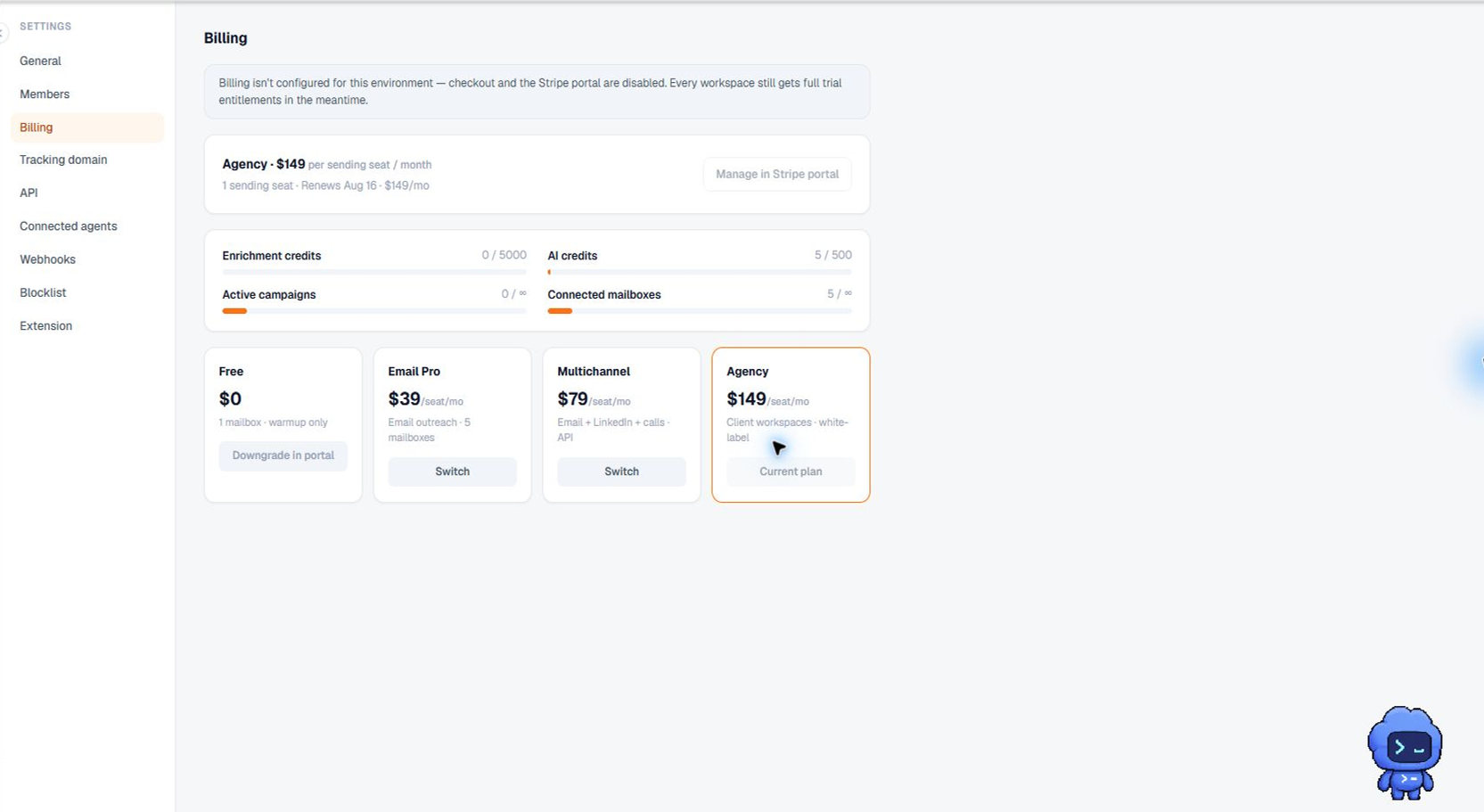
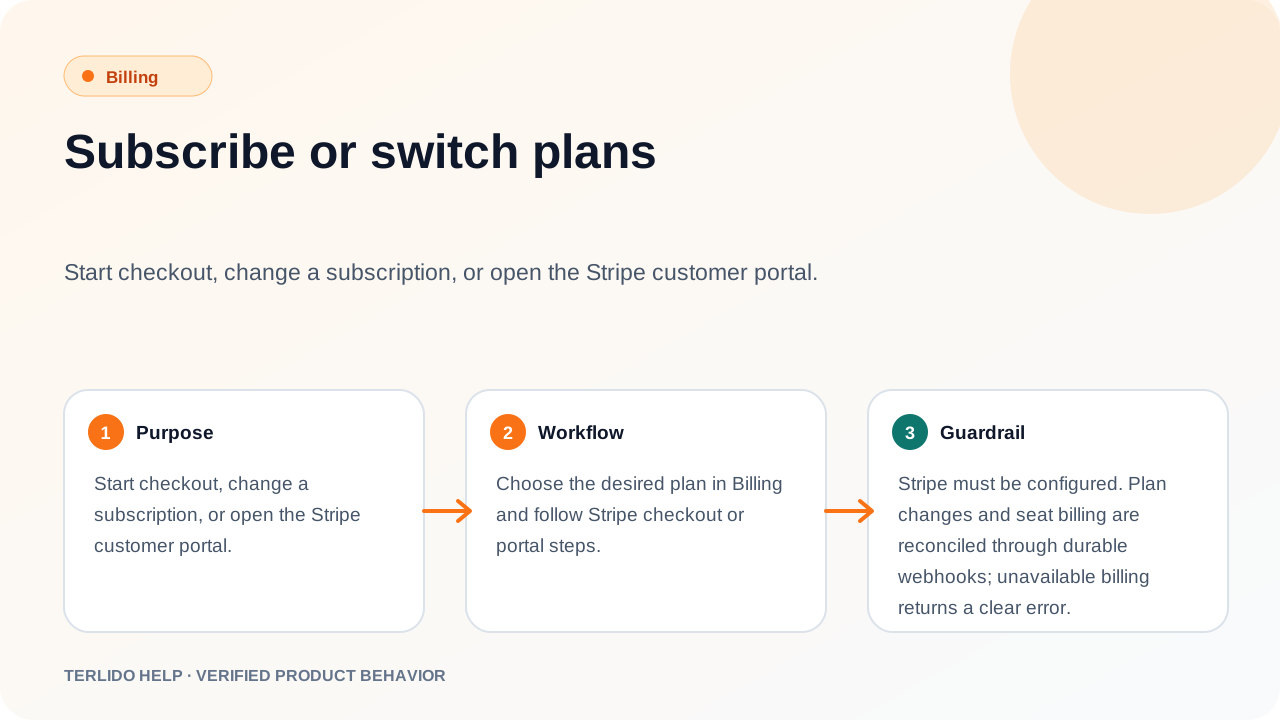
Start checkout, change a subscription, or open the Stripe customer portal.
Start checkout, change a subscription, or open the Stripe customer portal.
How to use it
Choose the desired plan in Billing and follow Stripe checkout or portal steps.
Important behavior
Stripe must be configured. Plan changes and seat billing are reconciled through durable webhooks; unavailable billing returns a clear error.