Add LinkedIn profiles to Terlido
Capture one profile URL at a time — Terlido enriches it for you, and the extension never reads the page.
Capture one profile URL at a time — Terlido enriches it for you, and the extension never reads the page.
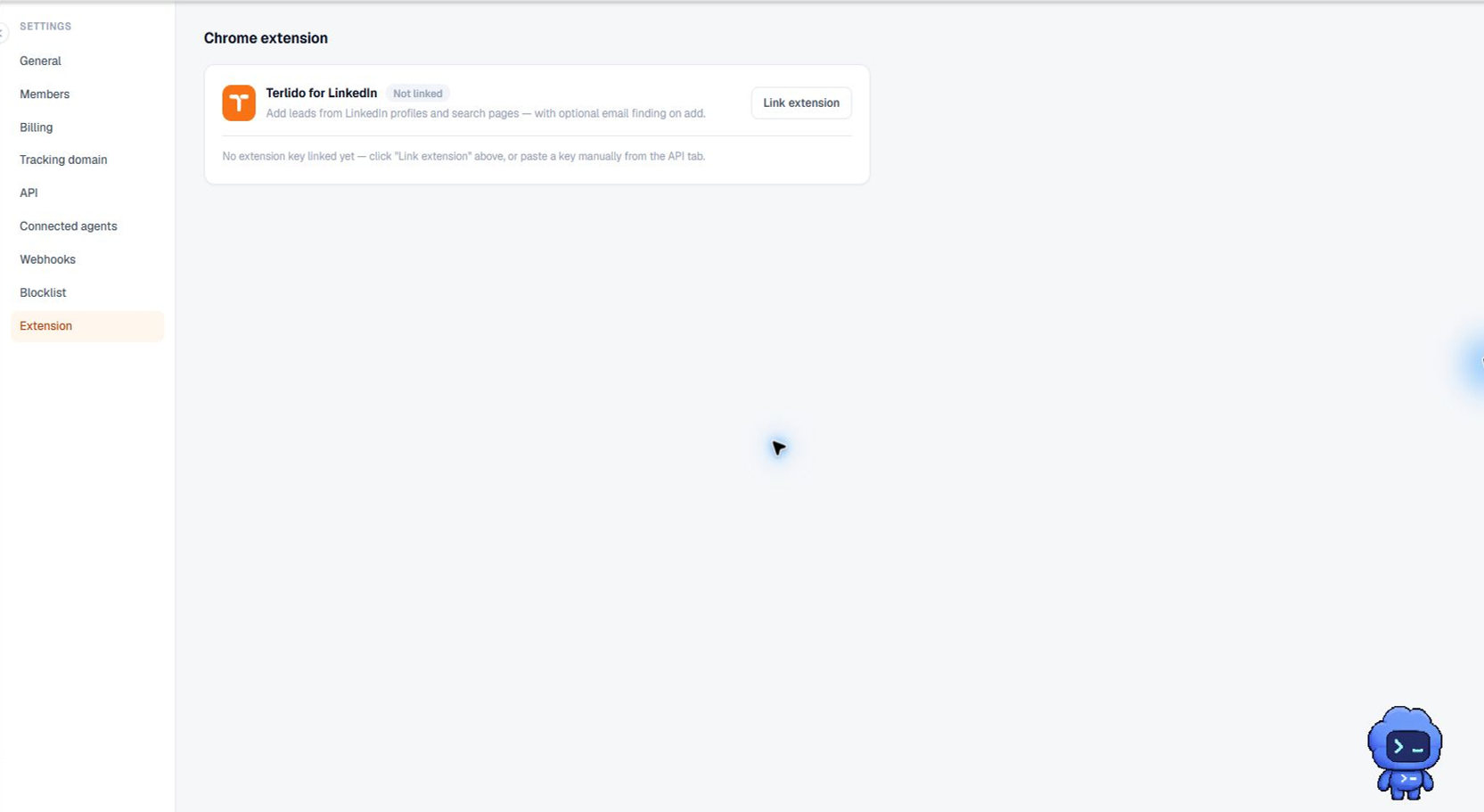

How to use it
Open the popup on a LinkedIn profile and click "Use this tab's URL", or paste a profile URL into the field. Confirm the URL shown in the editable field, then add it to Terlido.
That one click does the whole job: Terlido saves the contact, enriches it, and writes the result onto the contact. The popup reports what it found — including the email address, when there is one. Expect it to take a couple of seconds longer than a plain save, because the enrichment happens before the popup answers.
Important behavior
Only the URL you explicitly choose leaves the browser — never page content, and only after you click. Adding the same profile again updates the existing lead instead of creating a duplicate.
Enrichment runs on your own Apollo key, the one under Settings → Integrations. Without a key, the contact is still saved and the popup tells you enrichment isn't set up. Enrichment also counts against your workspace's monthly enrichment credit ceiling, and re-adding a profile you already captured today reuses that day's result instead of spending another credit.
Enrichment only fills fields that are empty. If it finds a value that disagrees with something already on the contact, nothing is overwritten — the popup says the result needs review, and it waits for you under Enrichment reviews in the dashboard, where you decide field by field.