Chrome extension
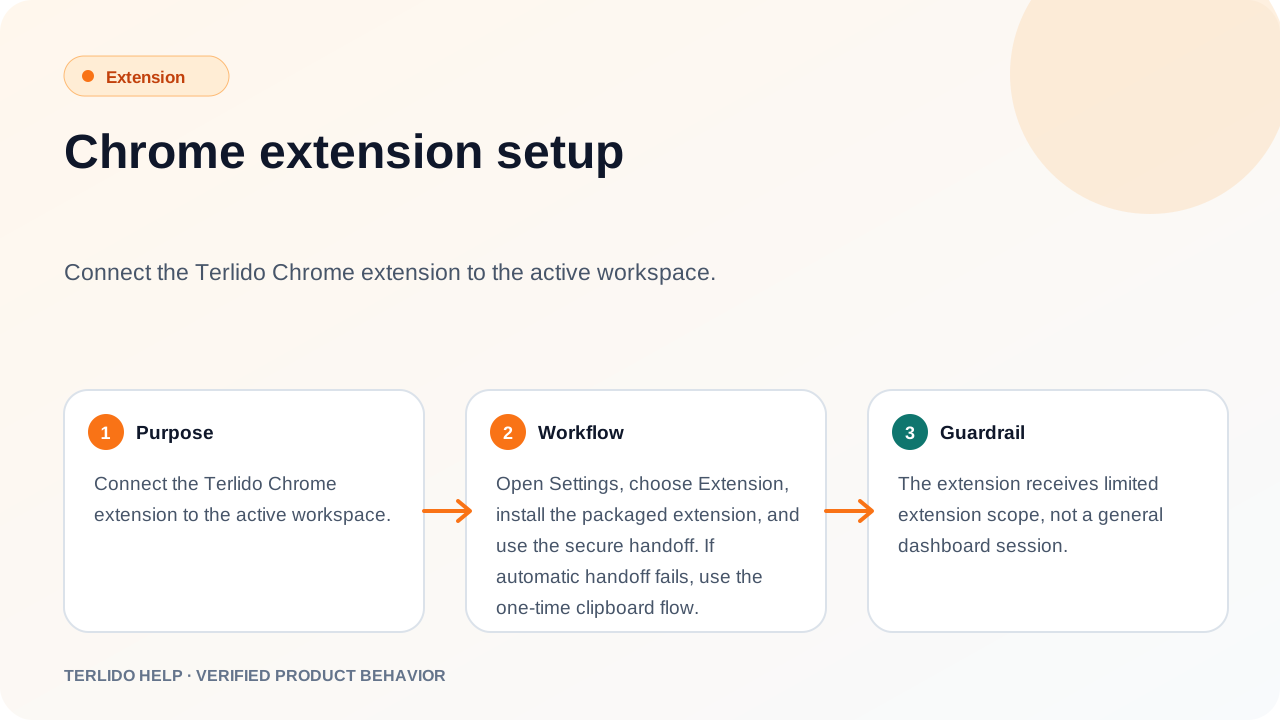
Chrome extension setup
Connect the Terlido Chrome extension to the active workspace.
Connect the Terlido Chrome extension to the active workspace.
How to use it
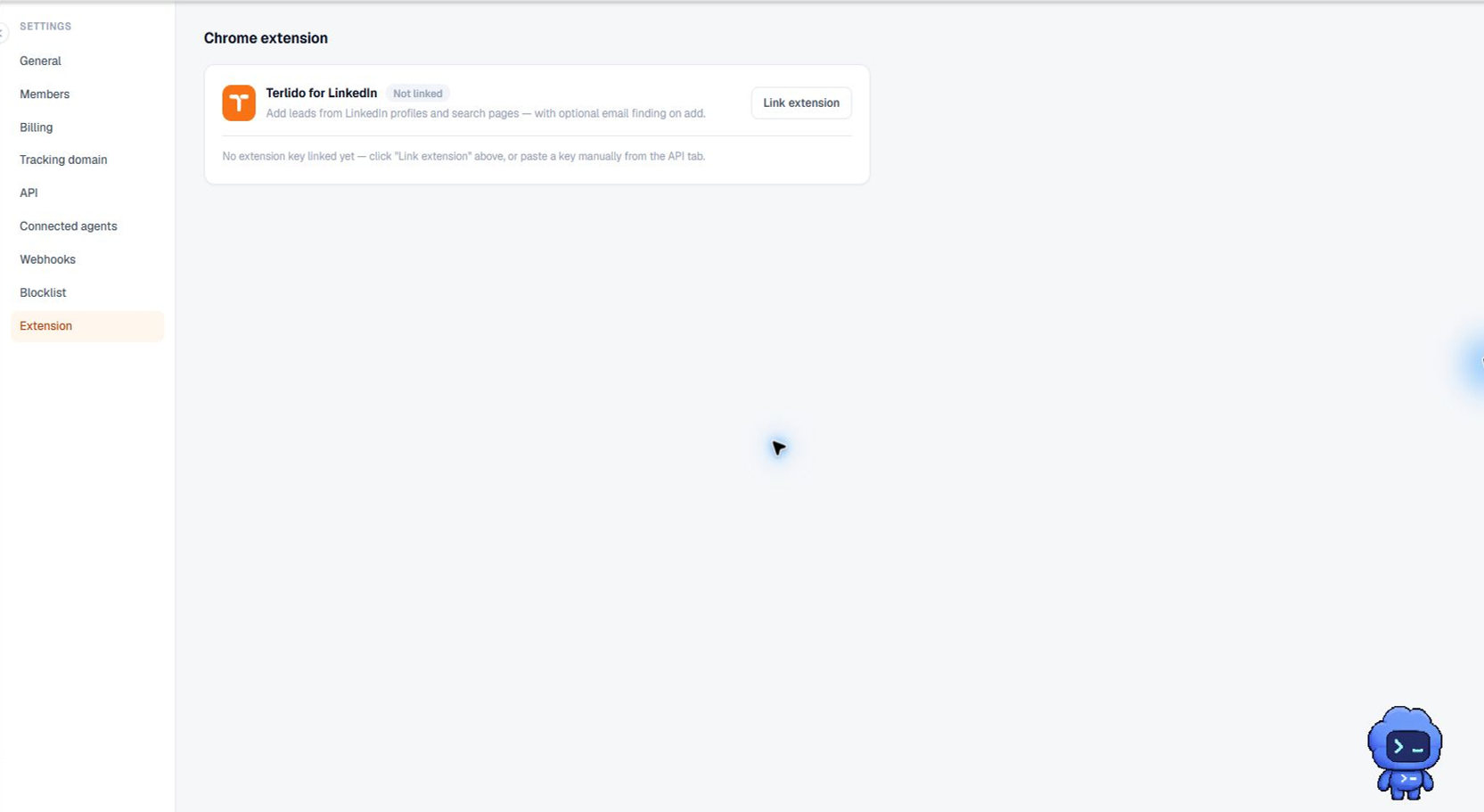
Install Terlido for LinkedIn from the Chrome Web Store — Settings, Extension links to it under "Get it on Chrome".
Then open Settings, choose Extension, and click Pair extension to mint a single-use pairing code — it is shown once and valid for 24 hours. Open the extension's popup in Chrome and paste the code to pair this browser as a device. Devices can be revoked from the same page at any time.
Important behavior
The extension authenticates as a paired device with a narrow, expiring token — not a general dashboard session and not an API key. A revoked device (or one whose user leaves the workspace) stops working immediately.