LinkedIn
LinkedIn checkpoint and kill switch
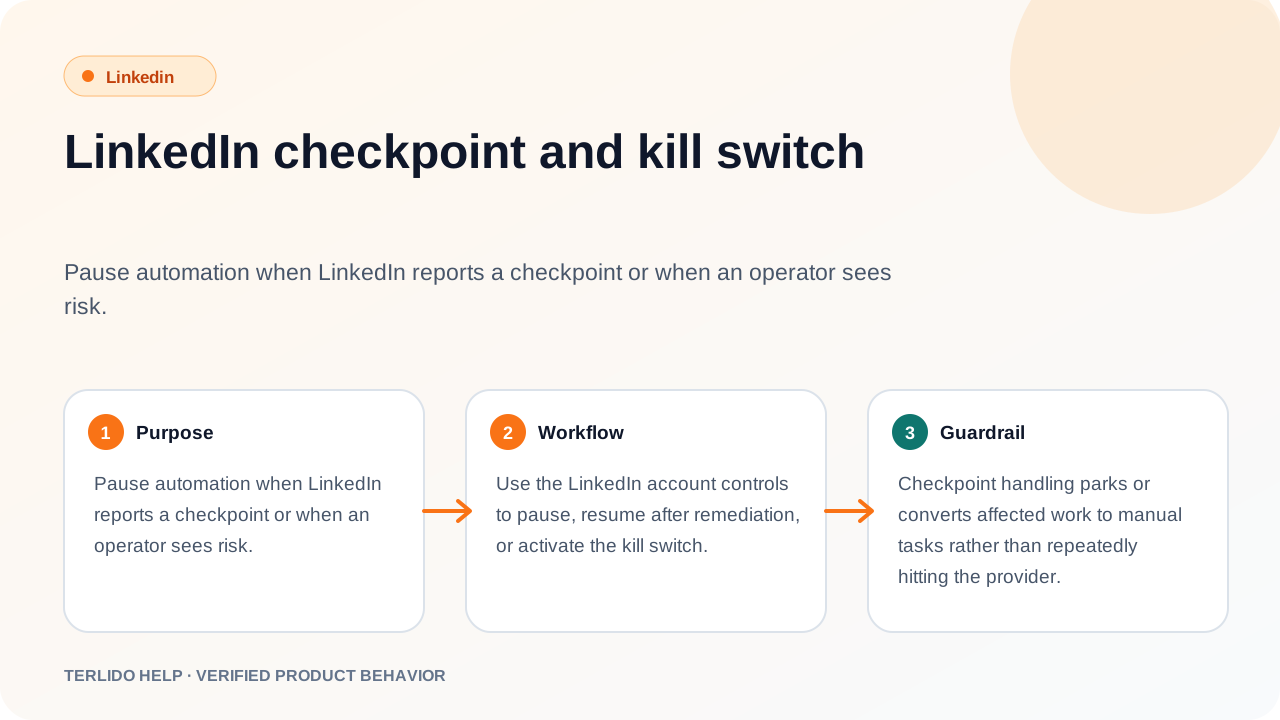
The checkpoint and kill-switch controls were removed along with the rest of the connected-account UI.
The checkpoint and kill-switch controls were removed along with the rest of the connected-account UI.
How to use it
No action is required. The checkpoint banner and kill-switch controls were removed along with the rest of the connected-account UI — there is nothing to view or click.
Important behavior
Terlido never calls LinkedIn on your behalf, so it cannot trigger a checkpoint on your account and there is no automated traffic for a kill switch to cut. LinkedIn steps park as manual tasks either way.