LinkedIn
LinkedIn quotas and pacing
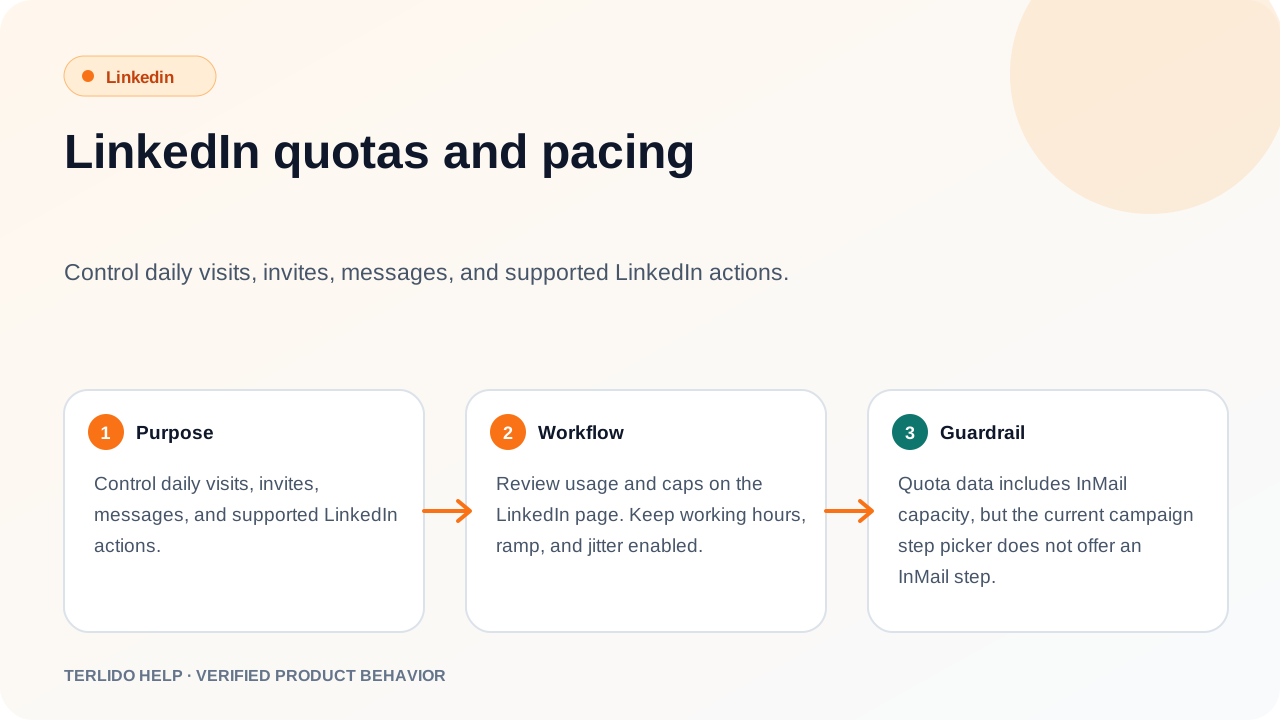
The quota and pacing controls were removed along with the rest of the connected-account UI.
The quota and pacing controls were removed along with the rest of the connected-account UI.
How to use it
There is nothing to review or tune — the daily caps, working hours, ramp, and jitter controls are gone from the LinkedIn screen. Nothing paces your manual LinkedIn work either way.
Important behavior
Every automated LinkedIn action is denied before it would ever reach a pacing gate, so no visit, invite, message, or InMail has drawn down quota. Those settings described limits an automated integration would have honored, not work Terlido performs today — which is why the screen was removed rather than kept around unused.