Integrations overview
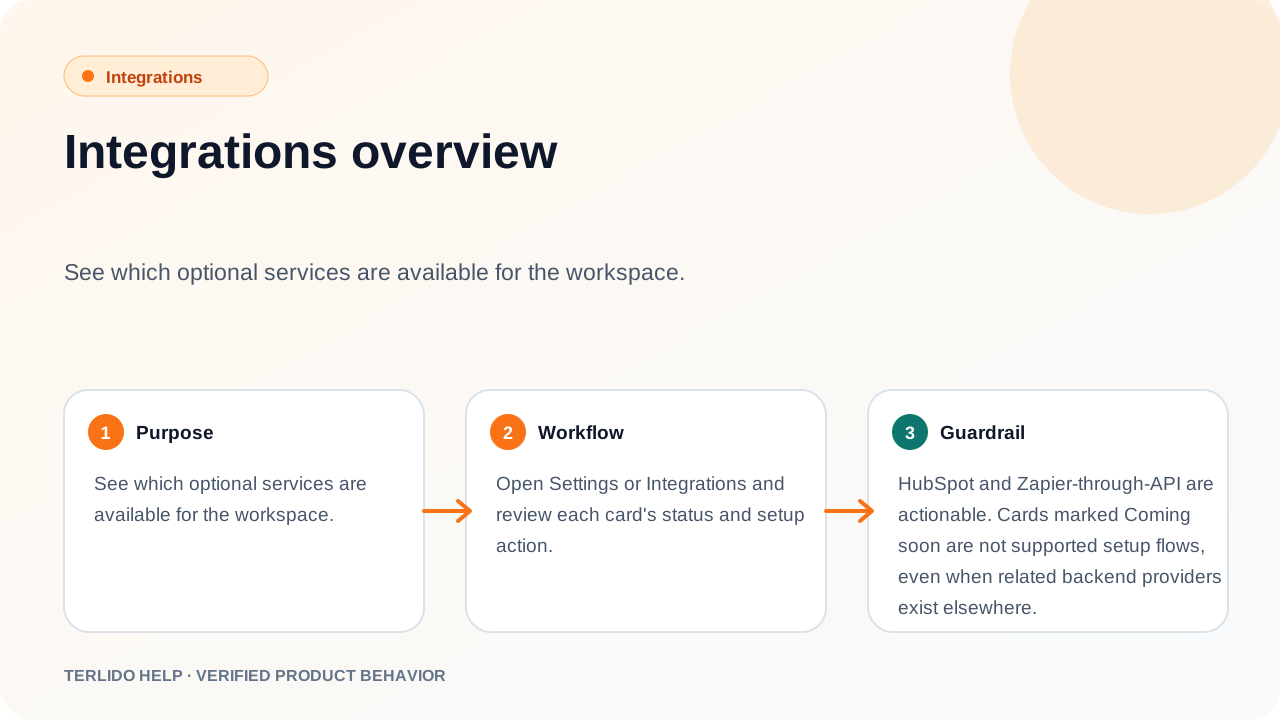
See which optional services are available for the workspace.
See which optional services are available for the workspace.
How to use it
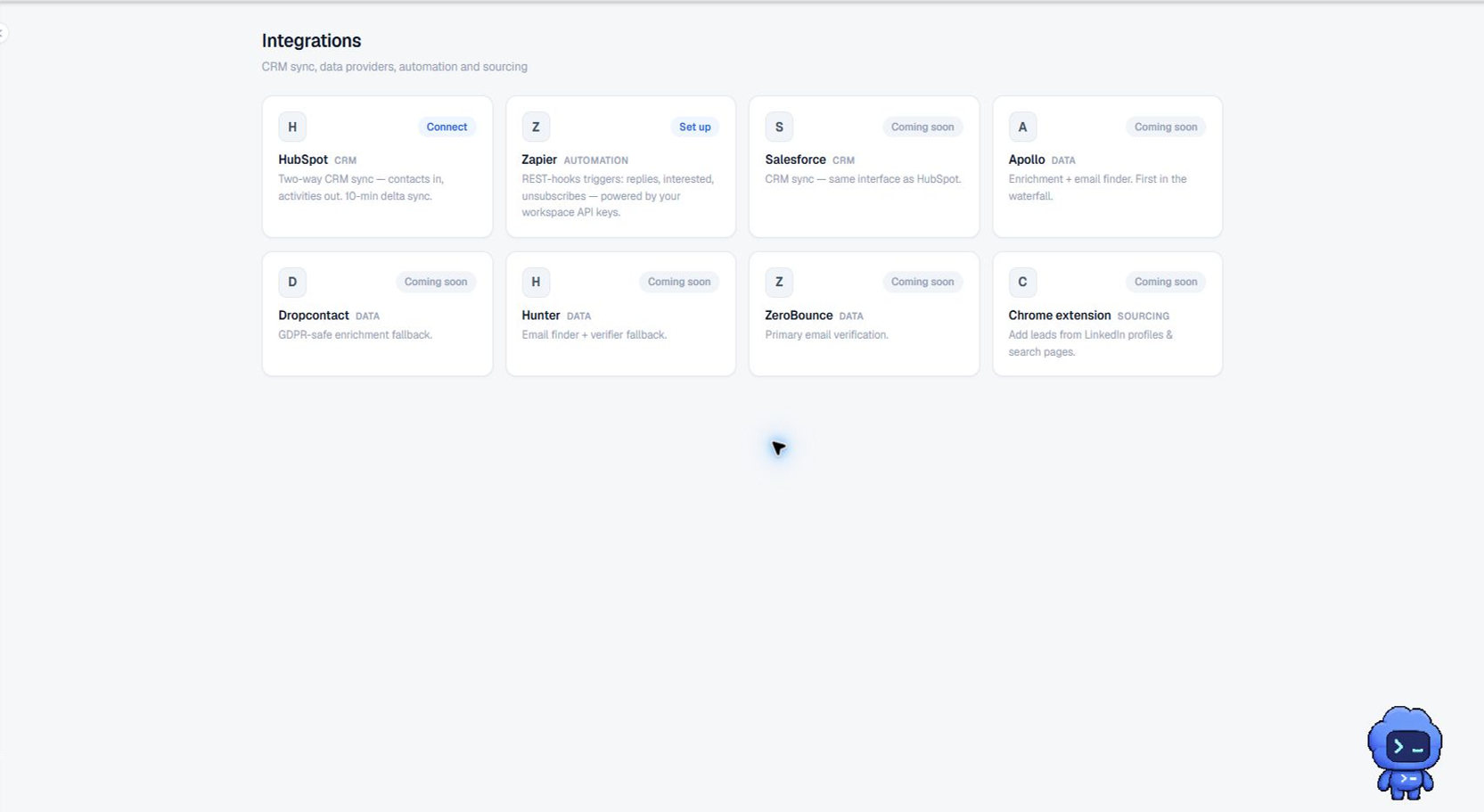
Open Integrations and review each card's status and action. HubSpot starts an OAuth connection, Zapier sends you to the workspace API keys, and each data-provider card opens a dialog for that provider's API key. The same screen holds the workspace's email-verification settings.
Important behavior
HubSpot, Zapier through the API, and the five data providers — Apollo, Dropcontact, Hunter, ZeroBounce, and Emailable — are all real setup flows; the providers are covered in Connect enrichment and verification providers. Only the Salesforce and Chrome extension cards are marked Coming soon, and those have no setup flow behind them. Provider keys and the verification settings are admin-only; other members see the current state read-only.