Workspaces
Invite and manage members
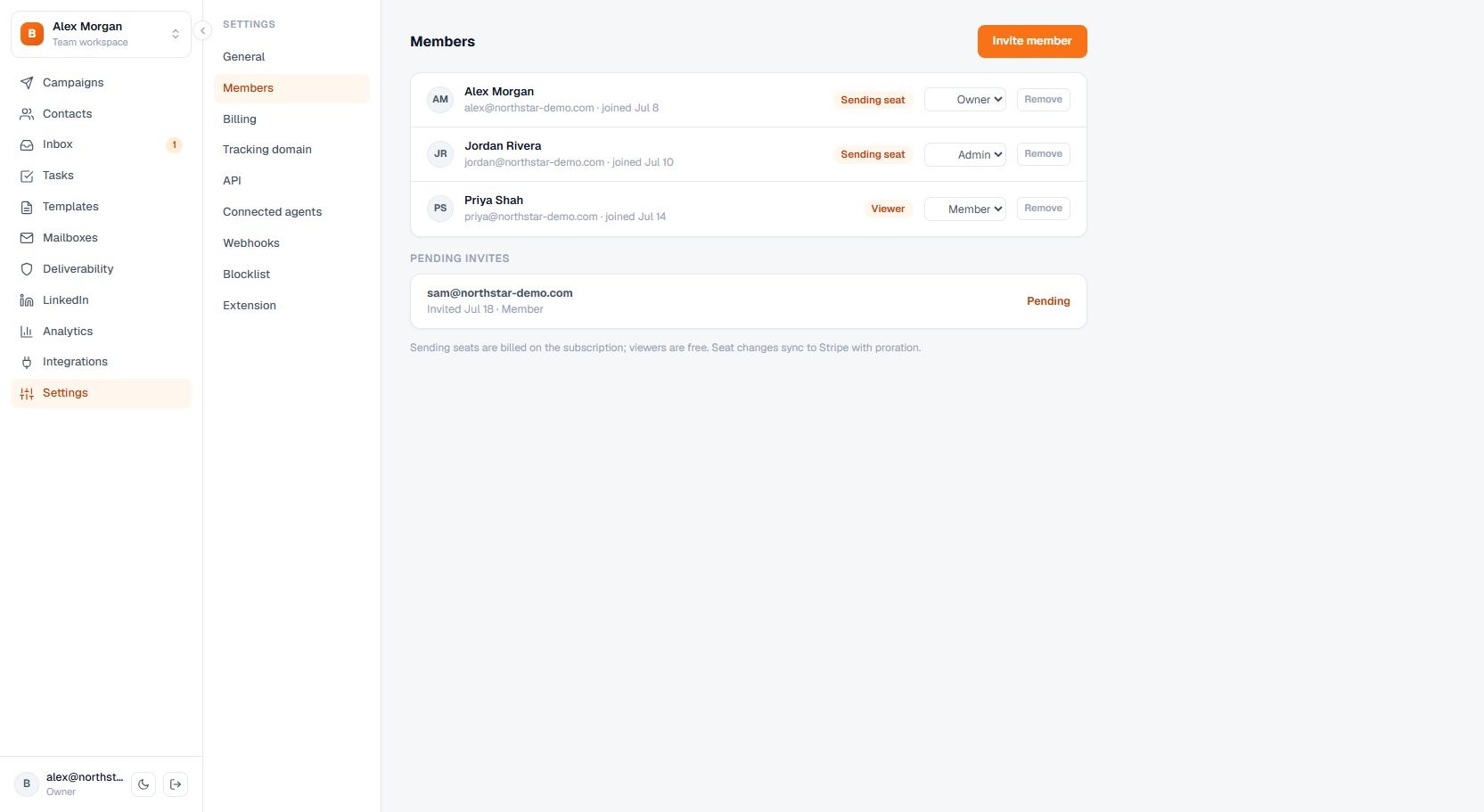
Invite teammates, change roles, assign seats, and remove access.
Invite teammates, change roles, assign seats, and remove access.
How to use it
Open Settings, choose Members, then invite a person or update an existing member. If email delivery is unavailable, share the generated invitation link.
Important behavior
Seat and member limits depend on the active plan.