Settings
Workspace general settings
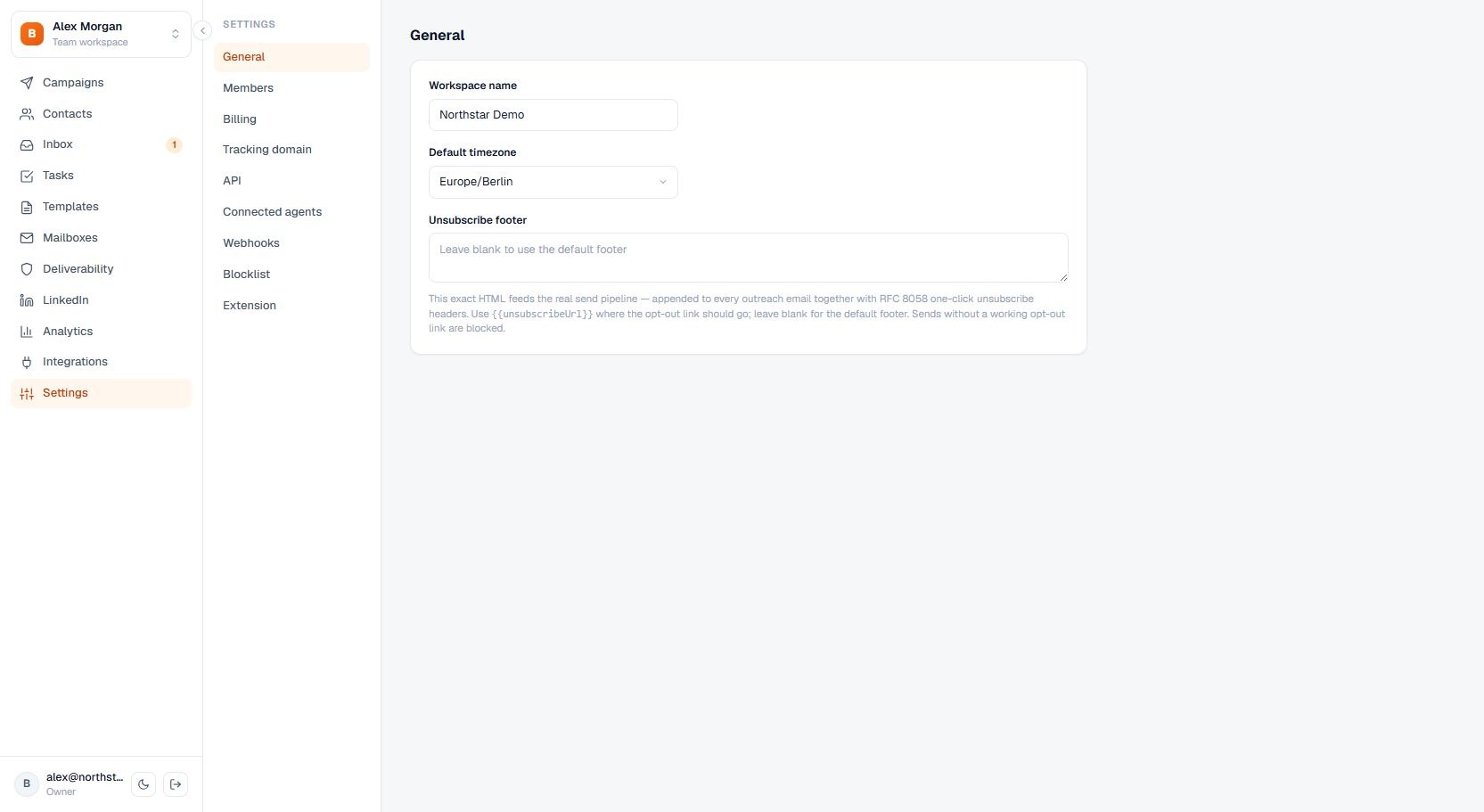
Change the workspace name, default time zone, and unsubscribe footer.
Change the workspace name, default time zone, and unsubscribe footer.
How to use it
Open Settings, choose General, and edit the workspace values. Changes save automatically after a short delay.
The tab directly below General is AI context, where the workspace describes its own company for every AI generation.
Important behavior
The default time zone is used as a fallback where a campaign or contact has no more specific value.