Complete tasks and record outcomes
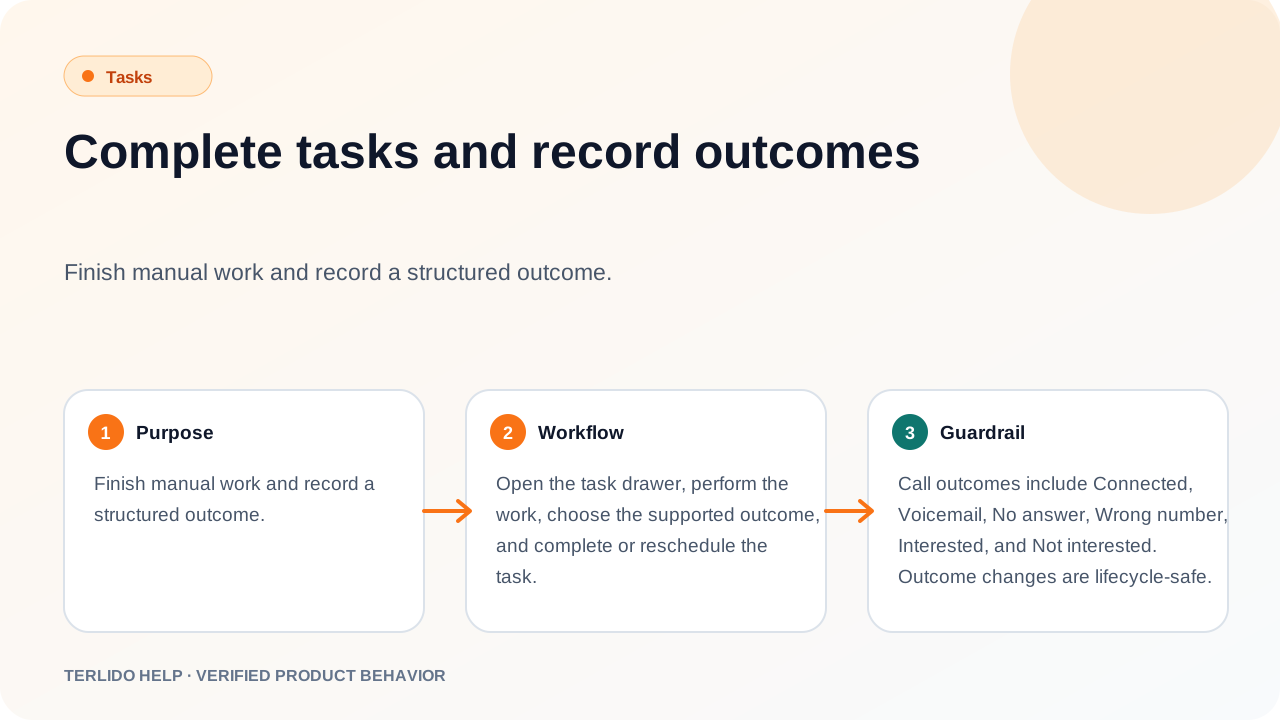
Finish manual work and record a structured outcome.
Finish manual work and record a structured outcome.
How to use it
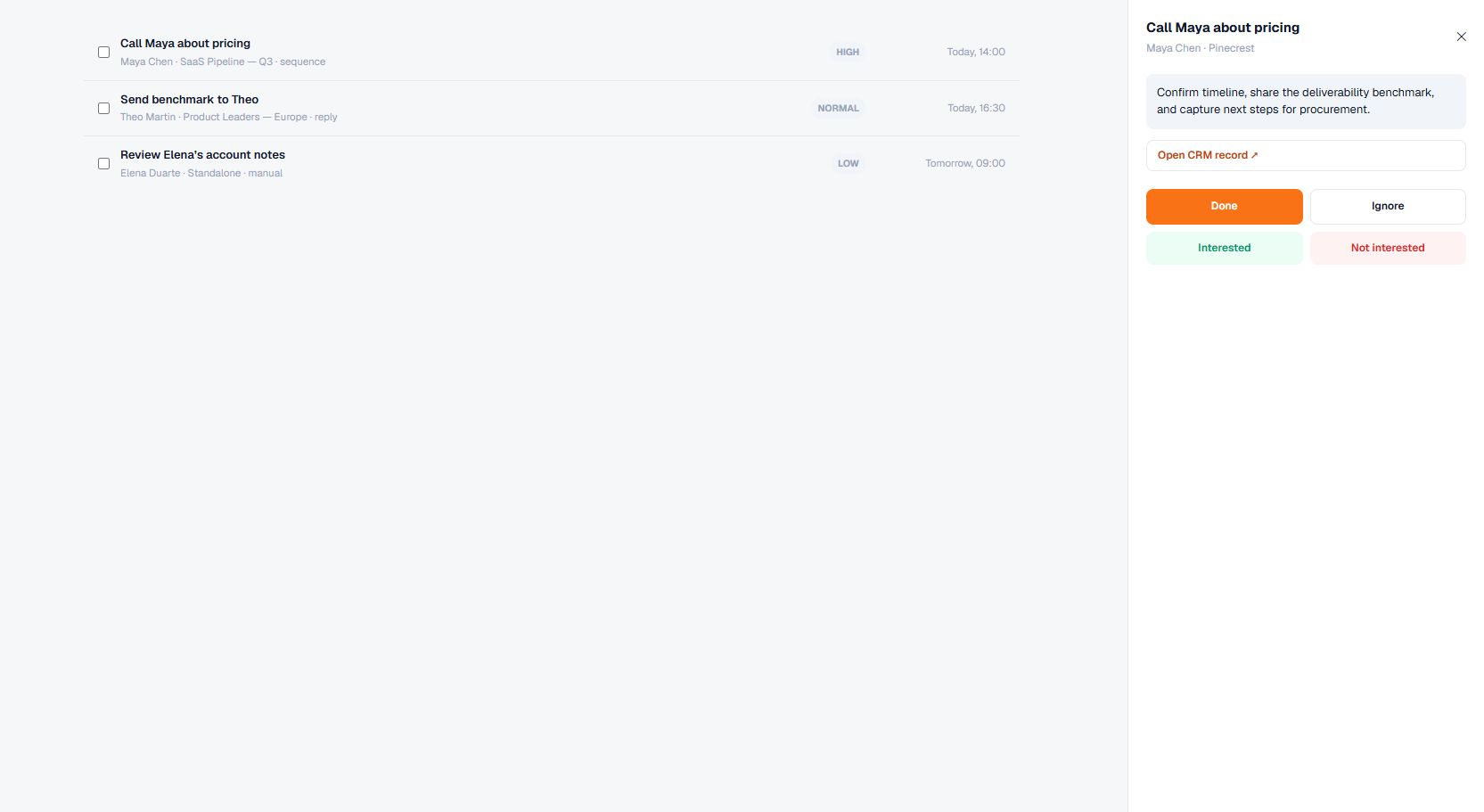
Open the task drawer, perform the work, choose the supported outcome, and complete or reschedule the task.
Completing a sequence task releases the contact and moves it to the next step of the campaign. Choosing Interested or Not interested instead ends that contact's run and records the matching status, so use those outcomes only when the conversation is genuinely finished. Ignoring a task releases the contact in the same way as completing it, for work you have decided not to do.
Reschedule or snooze a task when the work is not ready yet. Both leave the task unresolved and only move its due date, so the contact stays parked on the step. Select several tasks to complete, ignore, reschedule, reassign, or reprioritize up to a hundred of them at once; each task is applied individually, so some can succeed while others report a reason for not applying.
Important behavior
Call outcomes include Connected, Voicemail, No answer, Wrong number, Interested, and Not interested. Outcome changes are lifecycle-safe.
The task and its campaign are always updated together, so a task can never complete without releasing the contact. If the campaign was paused, or the contact stopped or moved on while the drawer was open, Terlido refuses the update, explains why, and changes nothing. Reload the queue and try again. Once a campaign task is completed or ignored it cannot be reopened, though you can still edit its details. Every completion or ignore is recorded on the contact's activity timeline.