How tasks follow campaign and contact changes
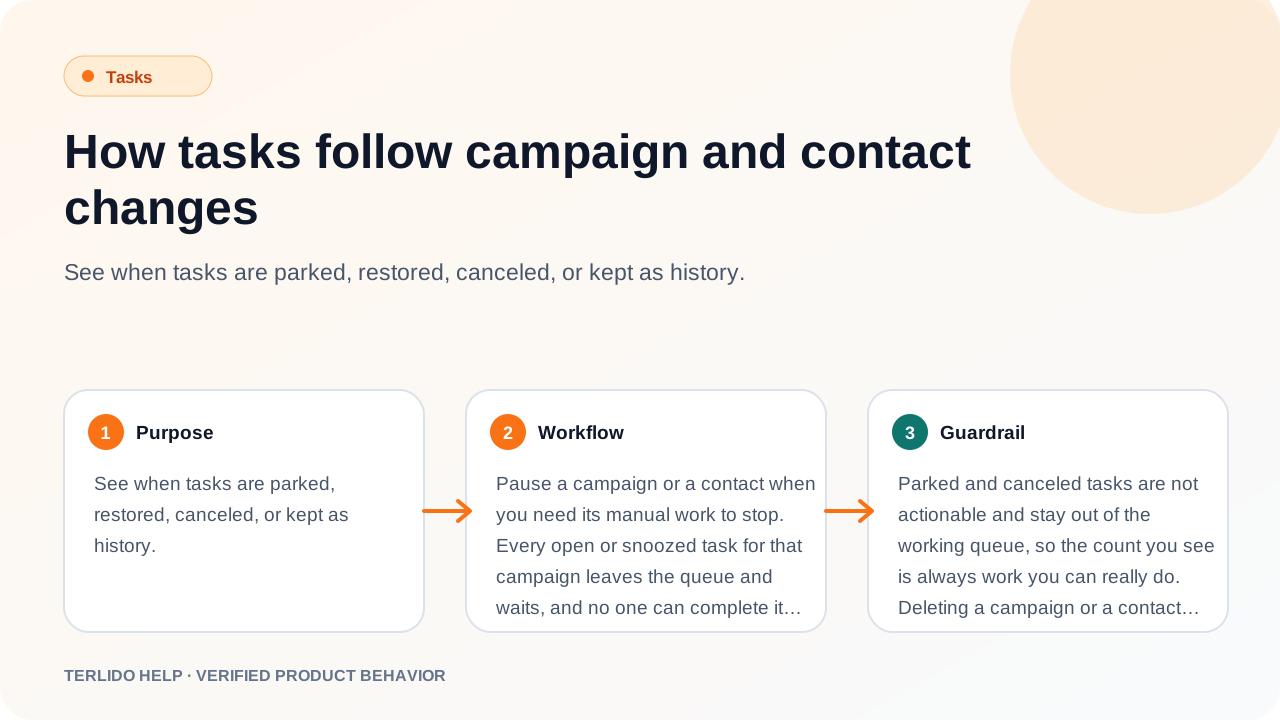
See when tasks are parked, restored, canceled, or kept as history.
See when tasks are parked, restored, canceled, or kept as history.
How to use it
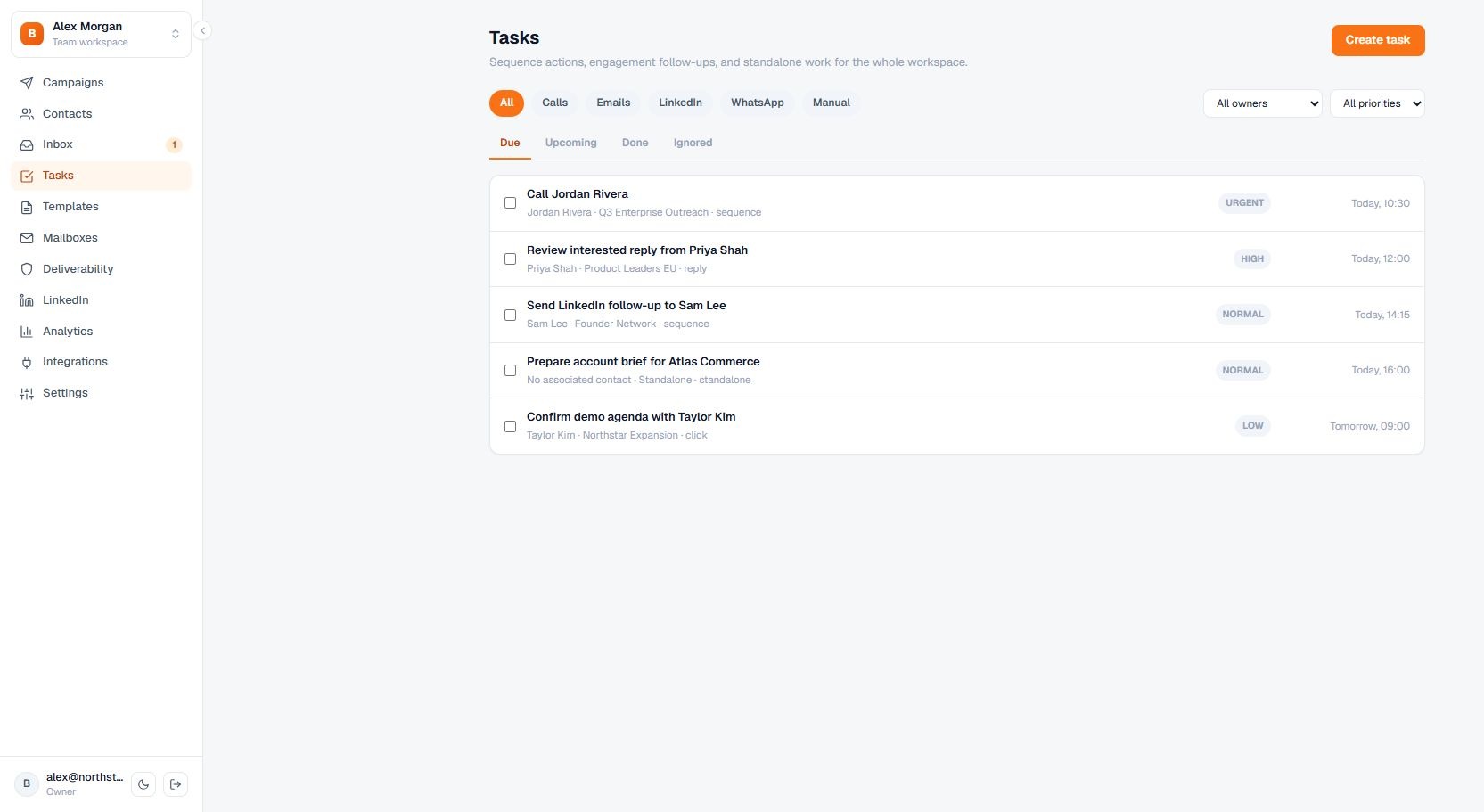
Pause a campaign or a contact when you need its manual work to stop. Every open or snoozed task for that campaign leaves the queue and waits, and no one can complete it by accident while the campaign is paused. Resume the campaign to bring the same tasks back exactly as they were: an open task returns open, and a snoozed task returns snoozed with its snooze time intact.
Stopping a contact cancels its outstanding tasks instead of parking them, because that contact has left the campaign. Finish or ignore a task before pausing if you want its outcome to count.
Important behavior
Parked and canceled tasks are not actionable and stay out of the working queue, so the count you see is always work you can really do. Deleting a campaign or a contact does not erase task history: the tasks remain in the workspace with their campaign and contact links removed, and deleting a contact cancels any of its work that was still outstanding. The one case where a task is removed is editing a paused campaign's sequence and deleting the step it belongs to, since the work it represented no longer exists.