Contacts
Bulk contact actions
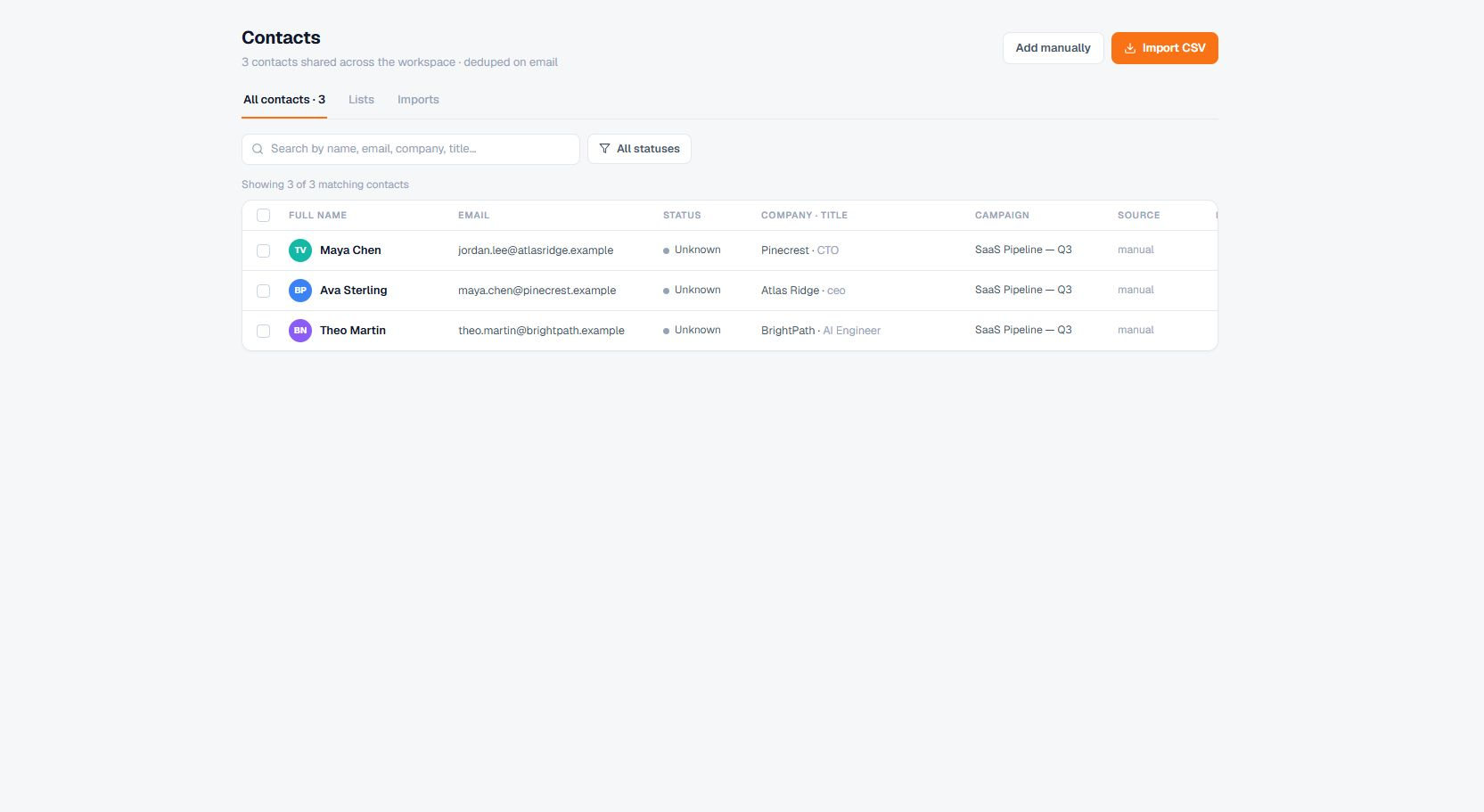
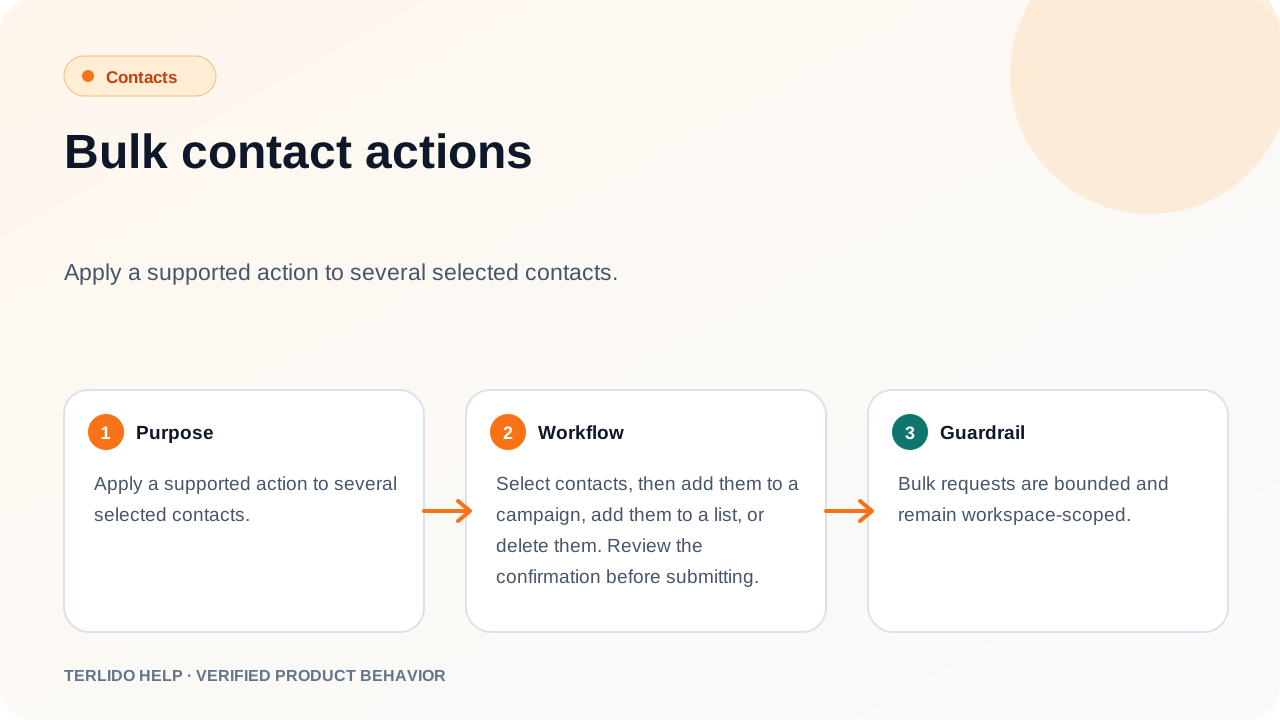
Apply a supported action to several selected contacts.
Apply a supported action to several selected contacts.
How to use it
Select contacts, then add them to a campaign, add them to a list, or delete them. Review the confirmation before submitting.
Important behavior
Bulk requests are bounded and remain workspace-scoped.