Contacts
Contacts overview
Search, filter, add, edit, and remove workspace contacts.
Search, filter, add, edit, and remove workspace contacts.
How to use it
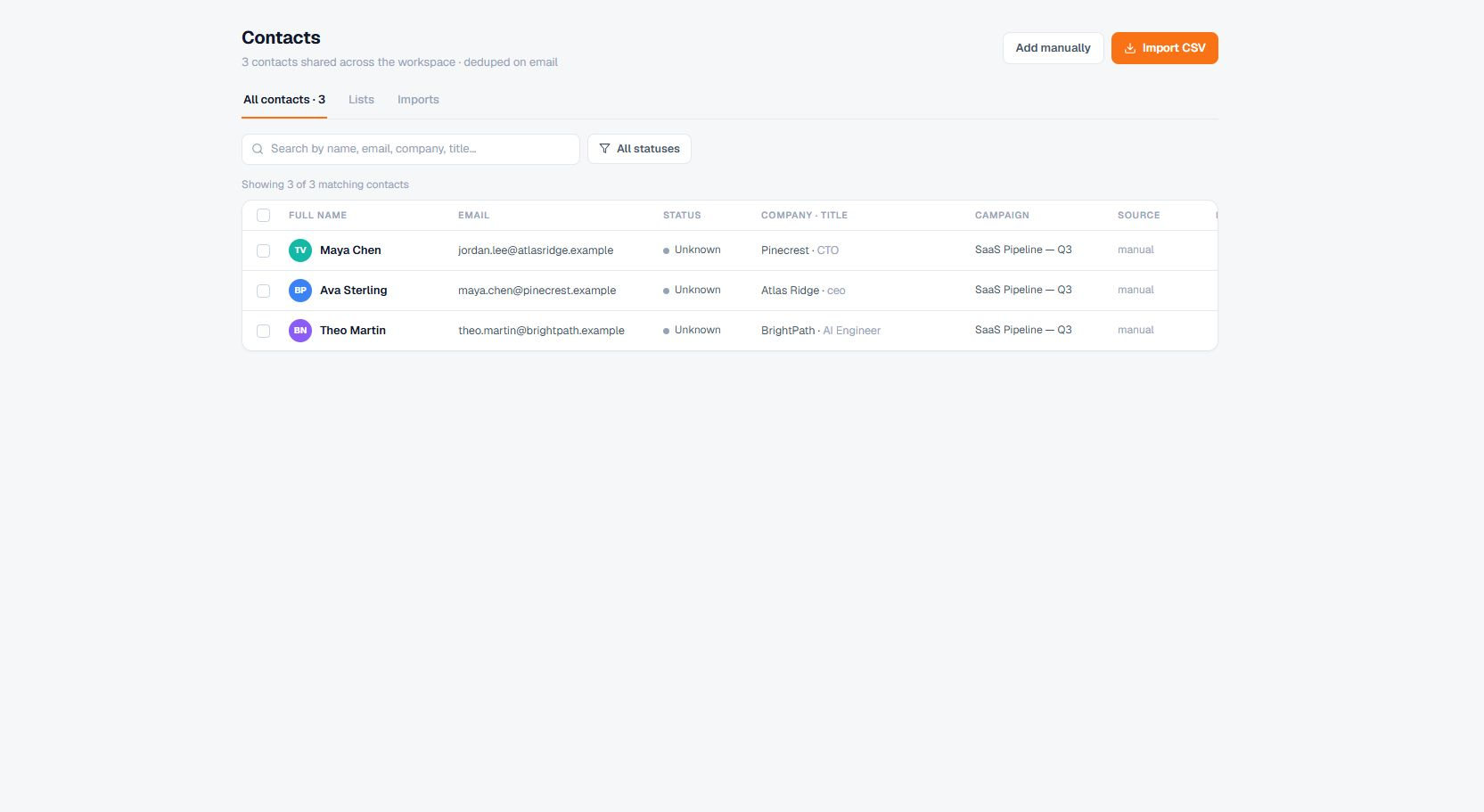
Open Contacts. Use search or verification-status filters, then open a row or add a contact manually.
Two cells in a row do their own thing rather than opening the contact:
- Company opens that company's details, the same panel the Companies screen opens.
- Campaign goes to the campaign the contact is enrolled in.
A contact with no company on file, or in no campaign, shows those cells as plain text.
Important behavior
Contact deletion is history-safe: Terlido preserves communication and audit records while removing active contact data.