Enrich and verify contacts
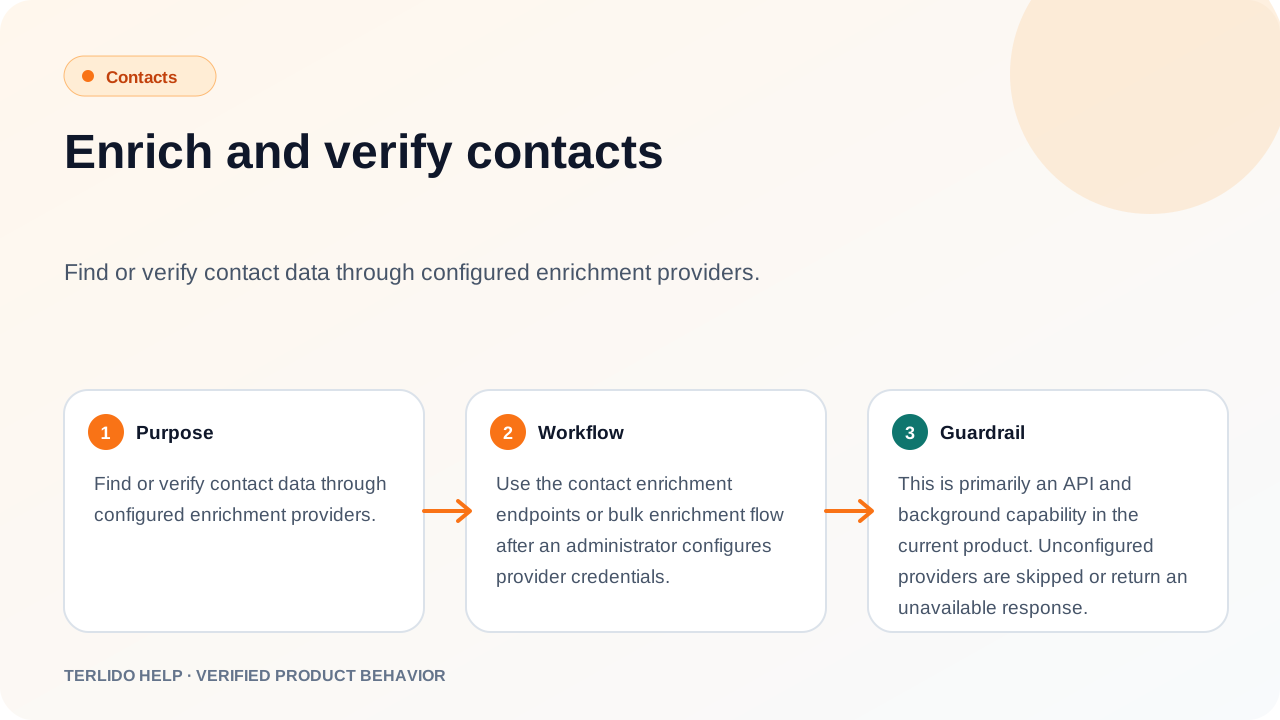
Fill missing contact fields and check email addresses with the providers the workspace connects.
Fill missing contact fields and check email addresses with the providers the workspace connects.
How to use it
Connect a provider first. An admin adds API keys per workspace on the Integrations screen — see Connect enrichment and verification providers. Nothing enriches or verifies until at least one key is available.
Email verification has controls in the product. Select contacts on the Contacts screen and choose Verify to queue them; the request returns straight away and the statuses refresh in the background over the next few minutes. The import wizard can verify addresses as a file loads, and a campaign can verify its unverified contacts before launch. The Integrations screen also holds the workspace's verification settings: which verifier to use, and whether every new contact is verified automatically as it is imported, added by hand, or created through the API. Verification is manual by default.
Enrichment — filling in title, company, phone, and LinkedIn URL — has no button on the Contacts list. It runs from the API, the agent tools, the Chrome extension import, and the lead-search import. Either way the work is queued as a background job, so contact rows update a little after the request rather than during it.
Important behavior
Providers run as a waterfall in the workspace's configured order. Enrichment merges what each provider returns without overwriting a field that already has a value, so a name you typed is never replaced by a provider's guess, and it stops early once title, company, phone, and LinkedIn URL are all filled. Email finding stops at the first provider that returns an address. Verification stops at the first definite verdict — valid, risky, or invalid — and falls through to the next provider when one answers "unknown".
A provider with no key is skipped rather than treated as an error, and the next provider in the order runs instead. Only when no provider in the order has a key does the work stop, reporting "No enrichment provider configured"; a queued job fails with the same reason. When the workspace has verification turned off, queued verify work is recorded as a skip, not a failure.
Each enrichment or verification run reserves one enrichment credit from the workspace's monthly plan allowance before any provider is called, and records what the providers actually spent afterwards. A workspace that is out of credits gets a clear refusal instead of a vendor charge.