Contacts
Import contacts from CSV
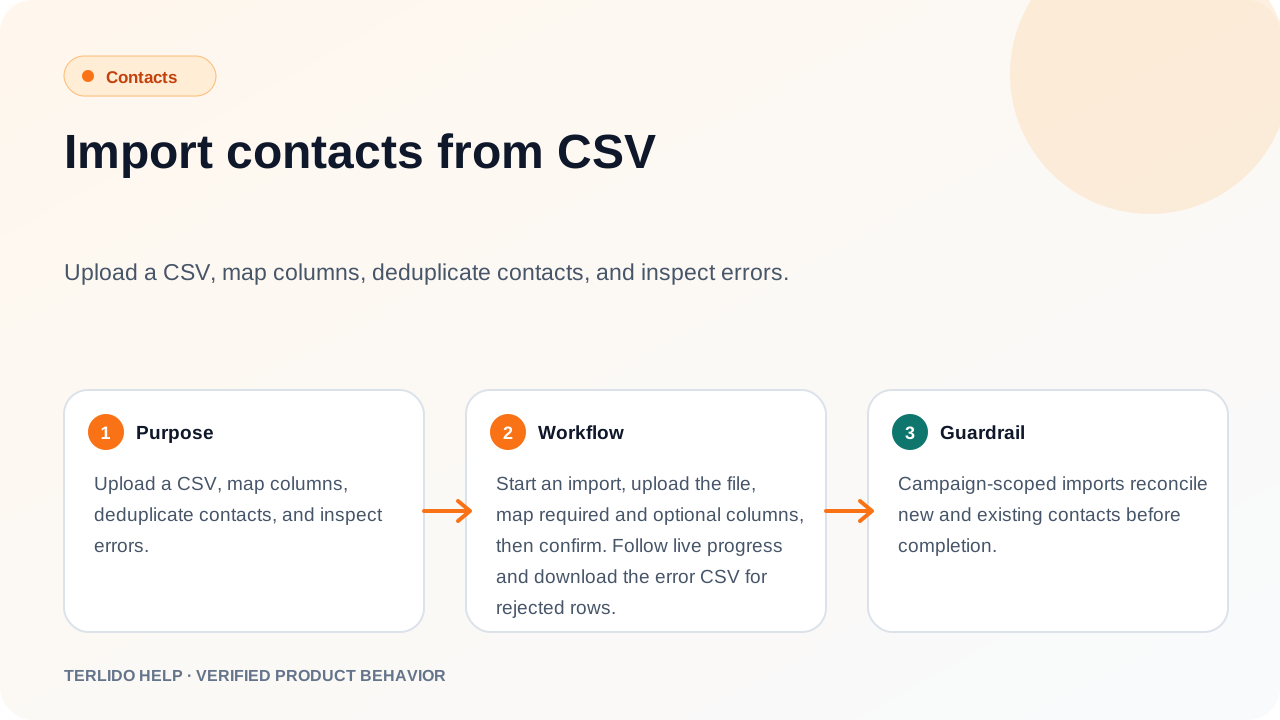
Upload a CSV, map columns, deduplicate contacts, and inspect errors.
Upload a CSV, map columns, deduplicate contacts, and inspect errors.
How to use it
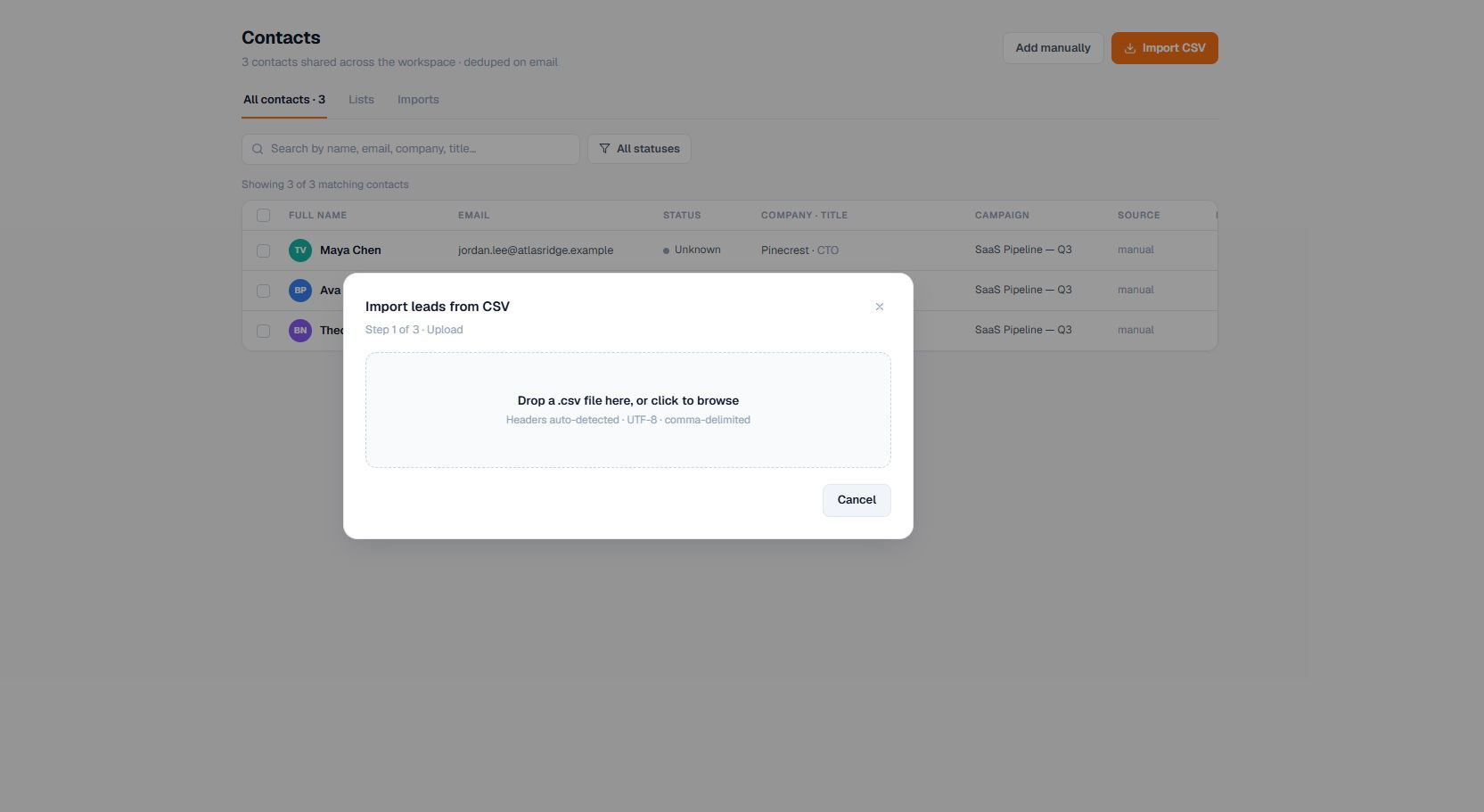
Start an import, upload the file, map required and optional columns, then confirm. Follow live progress and download the error CSV for rejected rows.
Important behavior
Campaign-scoped imports reconcile new and existing contacts before completion.