Create, rename, and duplicate a campaign
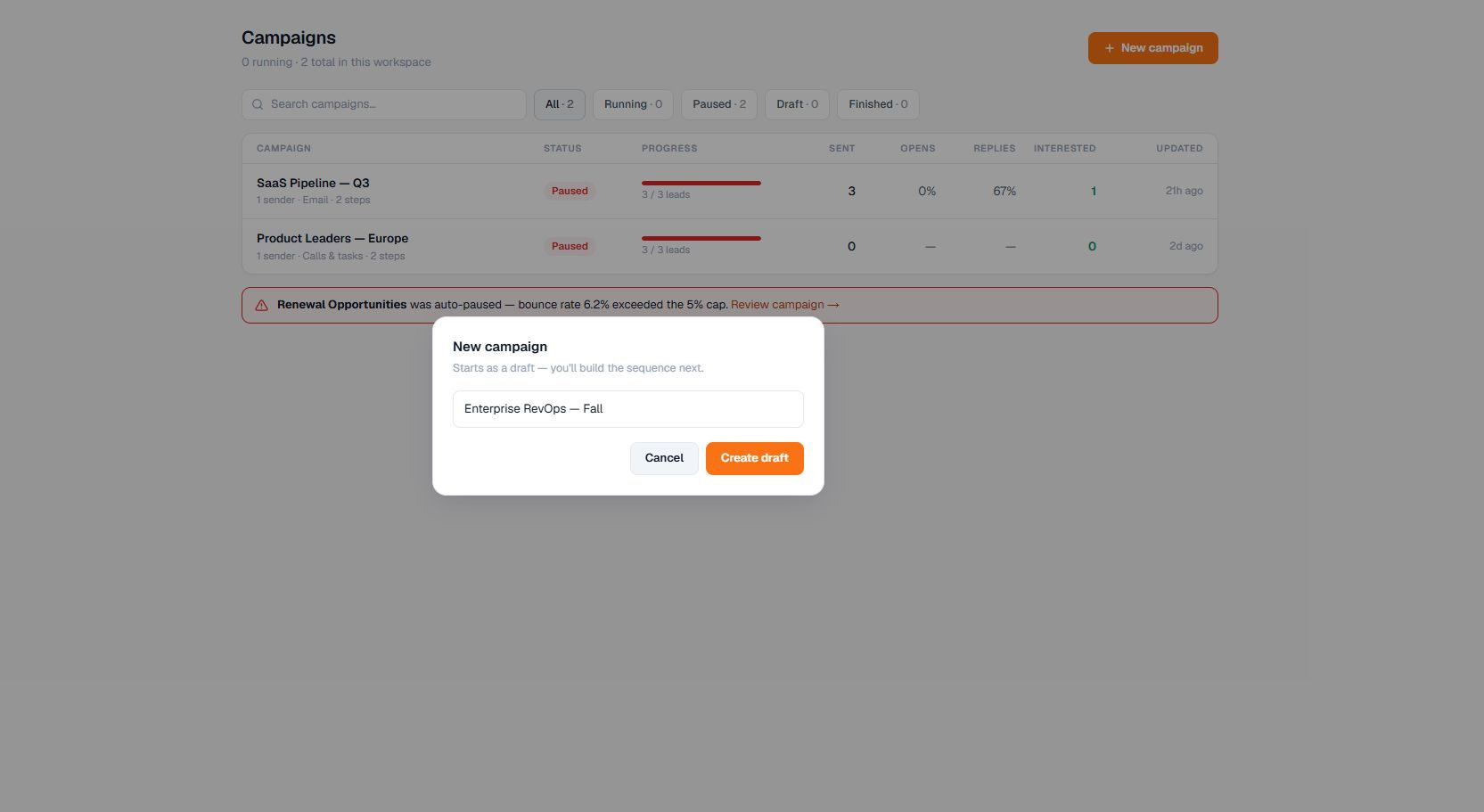
Start a new draft, rename an existing campaign, or copy the reusable configuration of one.
Start a new draft, rename an existing campaign, or copy the reusable configuration of one.
How to use it
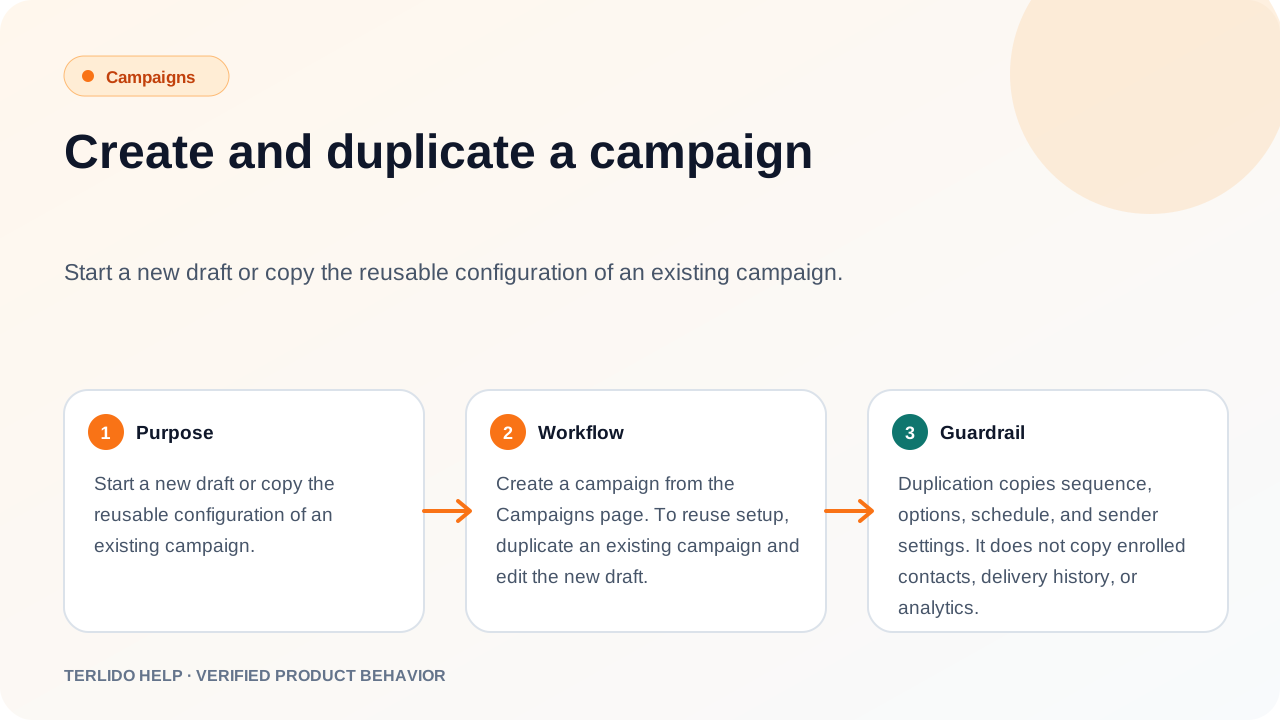
Create a campaign from the Campaigns page. To reuse setup, duplicate an existing campaign and edit the new draft.
To rename a campaign, click the pencil next to its name — either on the Campaigns list (it appears when you hover the row) or in the header of the open campaign. Press Enter or click away to save, or press Escape to discard the edit.
Important behavior
Duplication copies sequence, options, schedule, and sender settings. It does not copy enrolled contacts, delivery history, or analytics.
Renaming is safe at any point in a campaign's life, including while it is running. The name is only a label: it never appears in the emails you send, and changing it does not affect the sequence, the schedule, or delivery and analytics history.