Campaigns
Open and click tracking
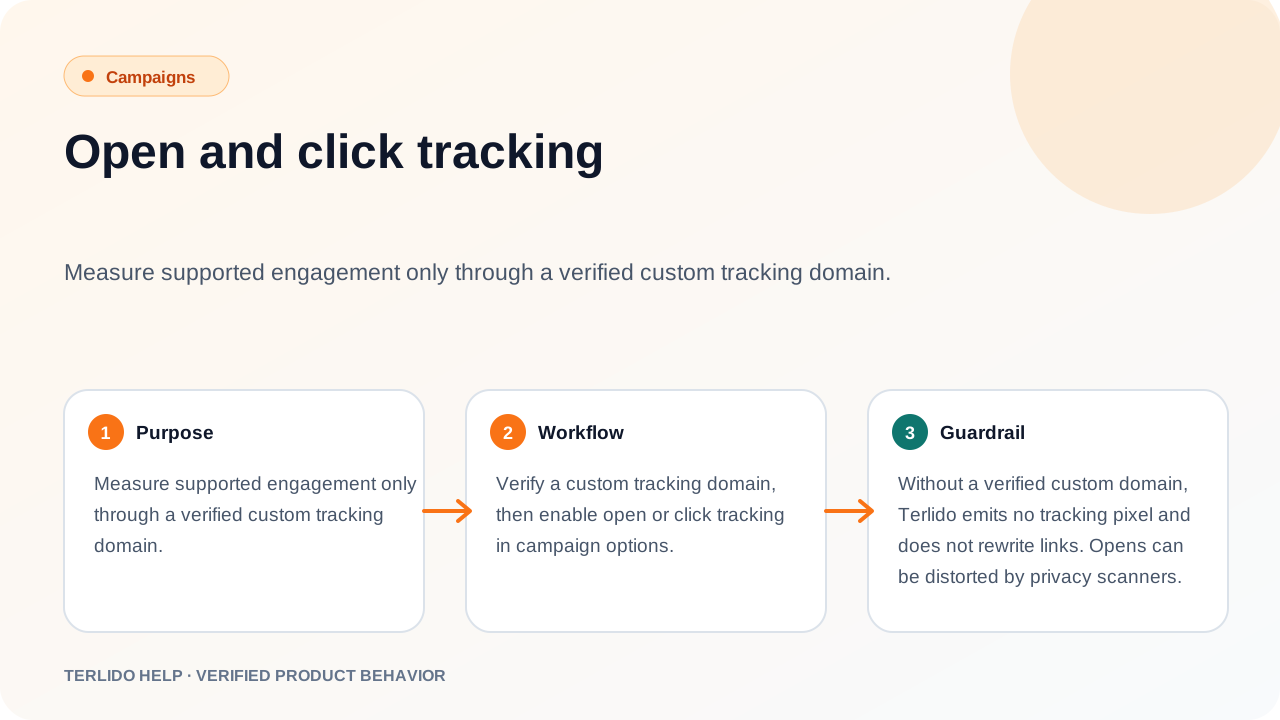
Measure supported engagement only through a verified custom tracking domain.
Measure supported engagement only through a verified custom tracking domain.
How to use it
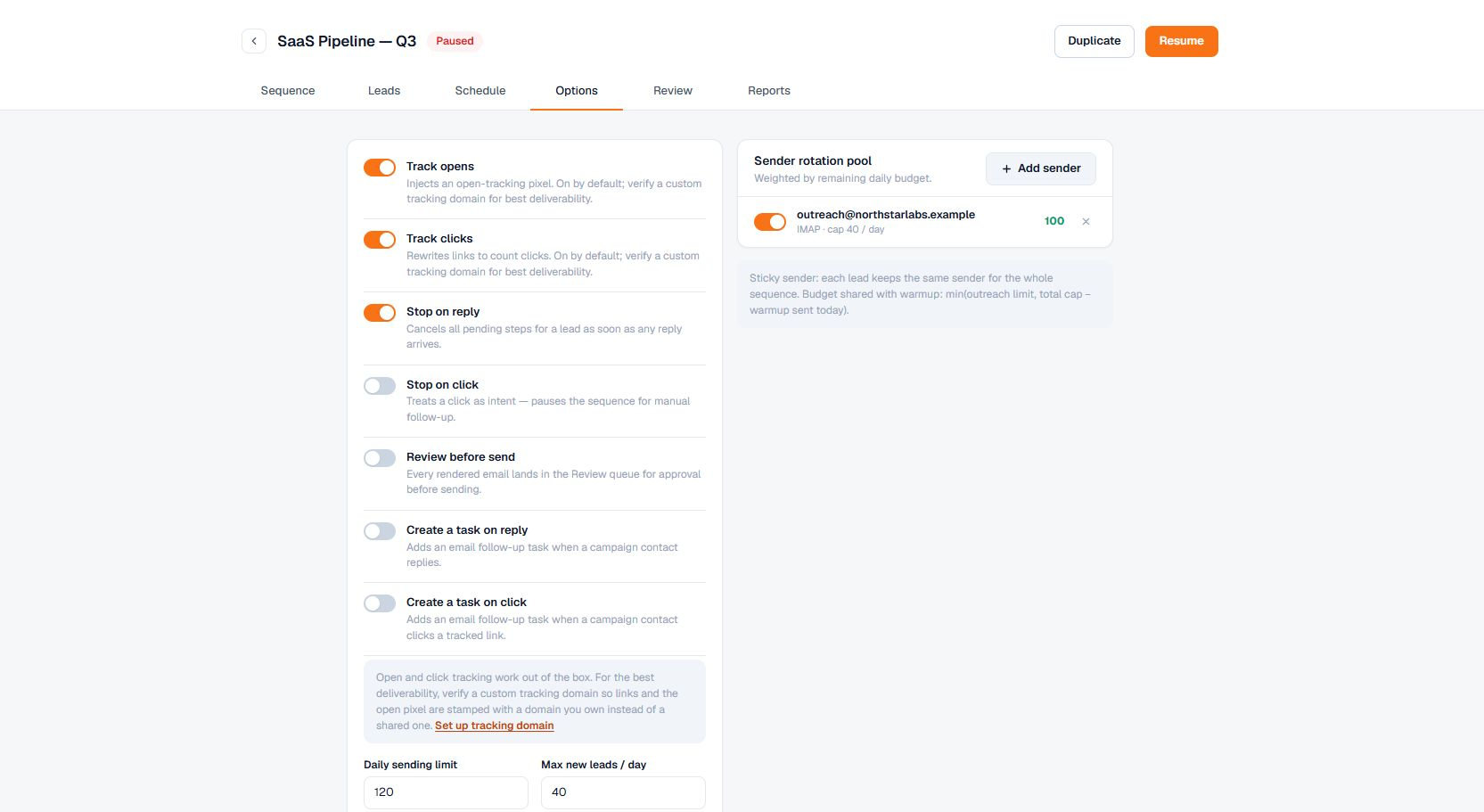
Verify a custom tracking domain, then enable open or click tracking in campaign options.
Important behavior
Without a verified custom domain, Terlido emits no tracking pixel and does not rewrite links. Opens can be distorted by privacy scanners.