Campaigns
Review before send
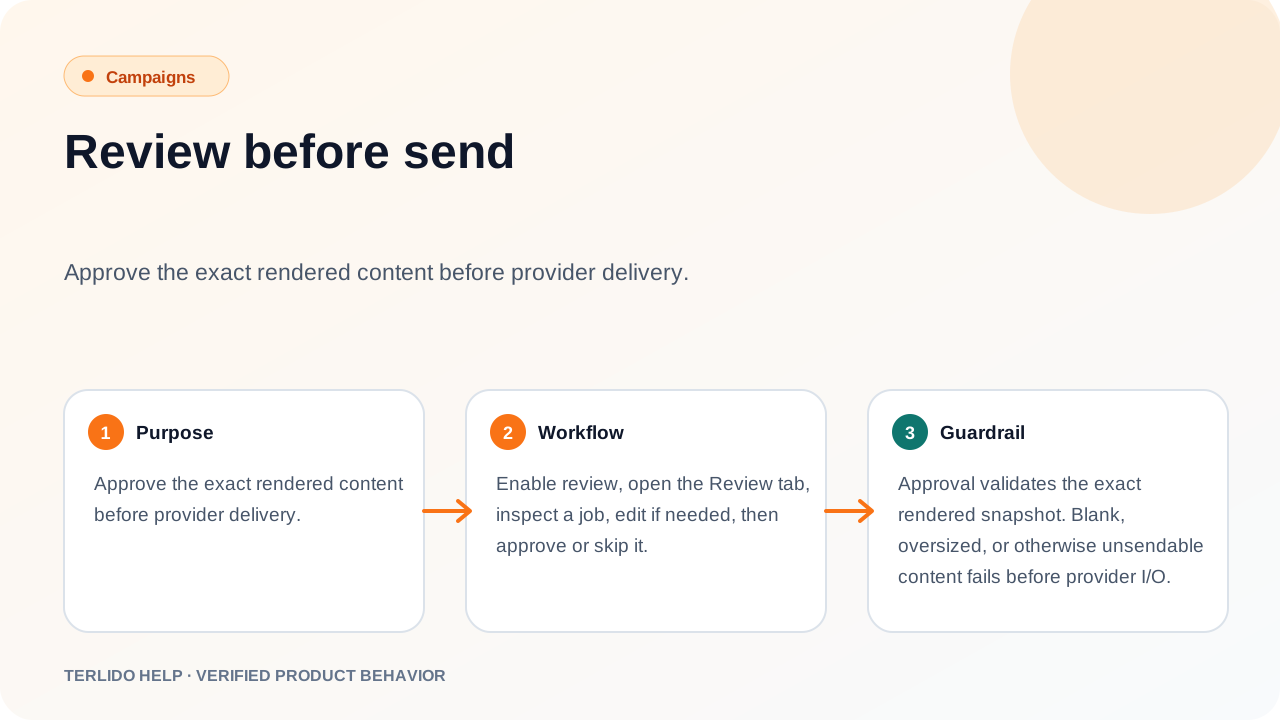
Approve the exact rendered content before provider delivery.
Approve the exact rendered content before provider delivery.
How to use it
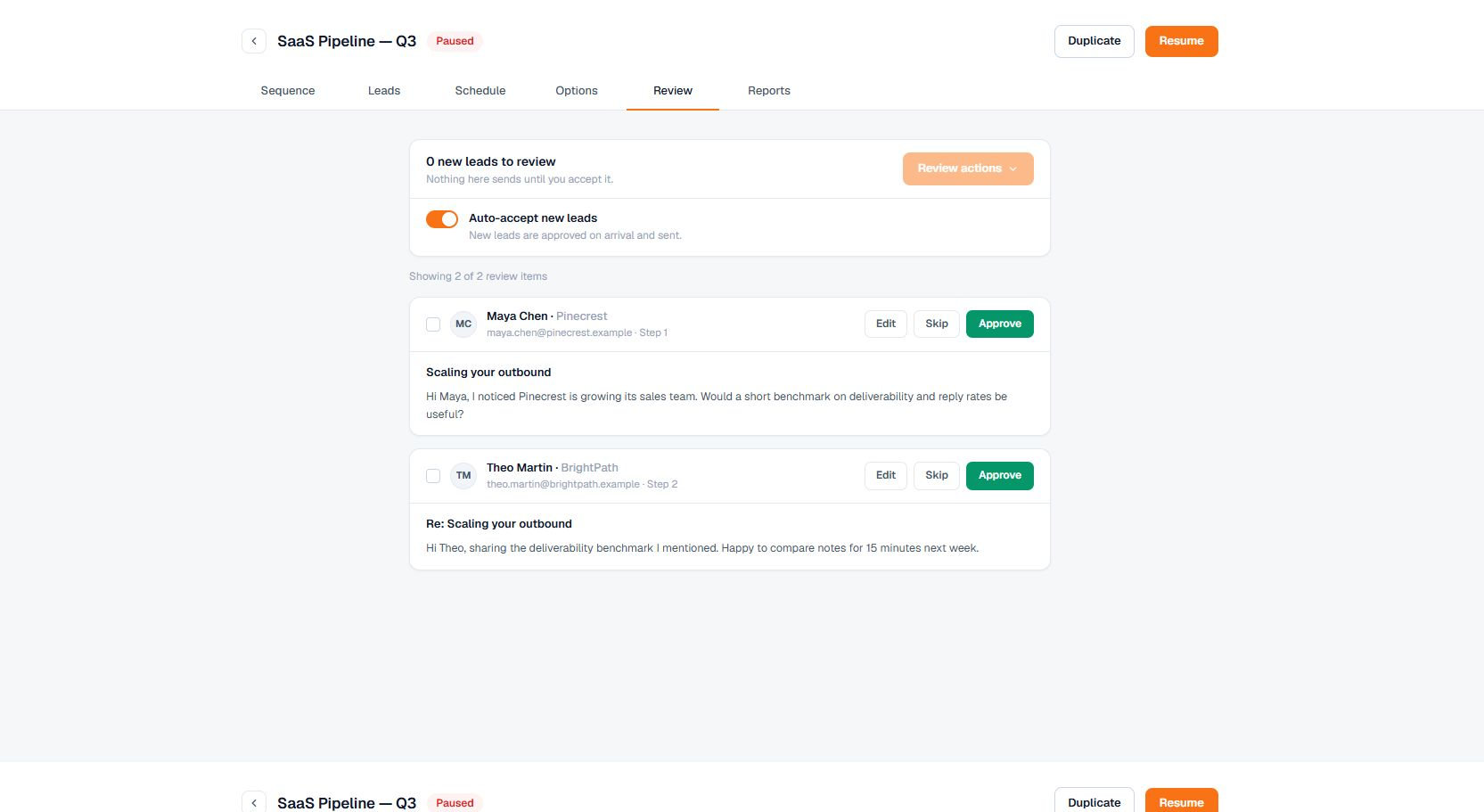
Enable review, open the Review tab, inspect a job, edit if needed, then approve or skip it.
Important behavior
Approval validates the exact rendered snapshot. Blank, oversized, or otherwise unsendable content fails before provider I/O.