Sending limits and throttles
Control campaign volume and protect mailbox and recipient domains.
Control campaign volume and protect mailbox and recipient domains.
How to use it
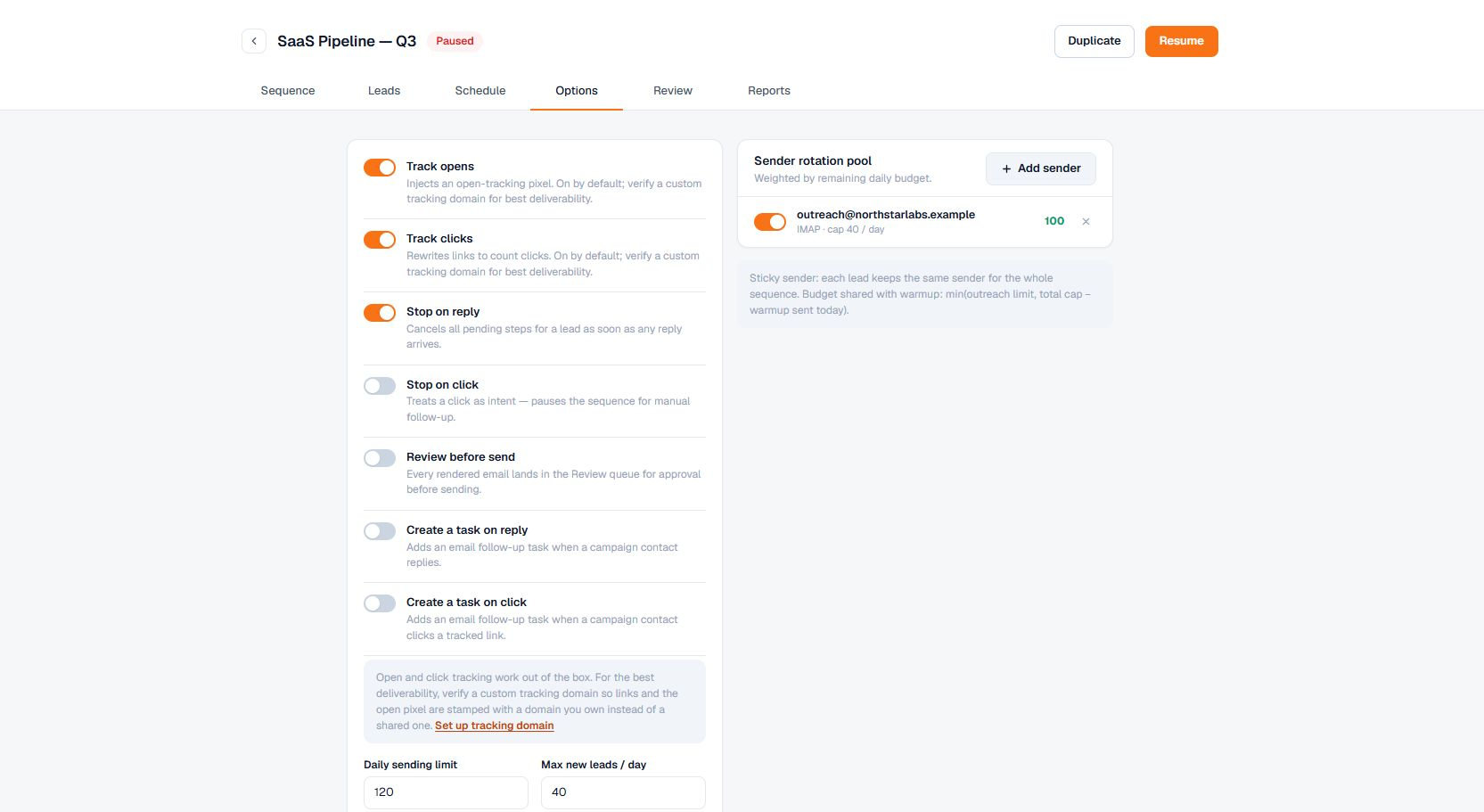
Set these limits in the campaign's Options tab:
- Campaign daily cap — the most emails this campaign sends in a day, across all of its senders.
- New contacts per day — how many fresh contacts start the sequence each day. This paces how fast a campaign ramps up, separate from the total send cap.
- Per-sender daily cap — set on each mailbox in the sender pool: the most this campaign sends from that mailbox per day. It is shared with warmup — warmup and outreach draw from the same mailbox budget, so a mailbox never exceeds its overall daily volume.
- Recipient-domain throttle — the most emails sent to the same recipient domain per day, so several contacts at one company aren't all hit at once. Free email providers (gmail.com, outlook.com, yahoo.com, icloud.com and similar) are not throttled: every address there is a different person.
- Bounce threshold — the bounce rate at which the campaign auto-pauses to protect your sending reputation.
Important behavior
Changes apply to future sending right away. Limits are read live: the planner re-reads them each time it activates contacts (about every 15 minutes), and the send path re-checks them on every individual send. Nothing is frozen into already-scheduled emails. So if you raise a cap from 40 to 60 partway through the day, the extra room is available immediately — if 40 already went out, up to 20 more can send today. Lowering a cap takes effect just as immediately: sending stops once the day's count reaches the new, lower number. You never need to pause, relaunch, or redeploy for a limit change to take effect.
Sends are paced across your window, not fired all at once. Each contact's email is given a time spread across the day's sending window, so a batch doesn't all leave in one burst. When a daily cap is reached, the remaining emails roll to the next sending day and are spread across that day's window too — they don't stack on the window's opening minute. Right before each send, Terlido also checks how long ago the mailbox and the campaign last sent. It spaces the day's remaining sends over the rest of the window, so a campaign with a 25-a-day cap sends about every 19 minutes across an 8-hour window instead of 25 emails in the first hour. Sends from one mailbox are never closer than 4 minutes apart. A "send now" from the review queue skips this spacing.
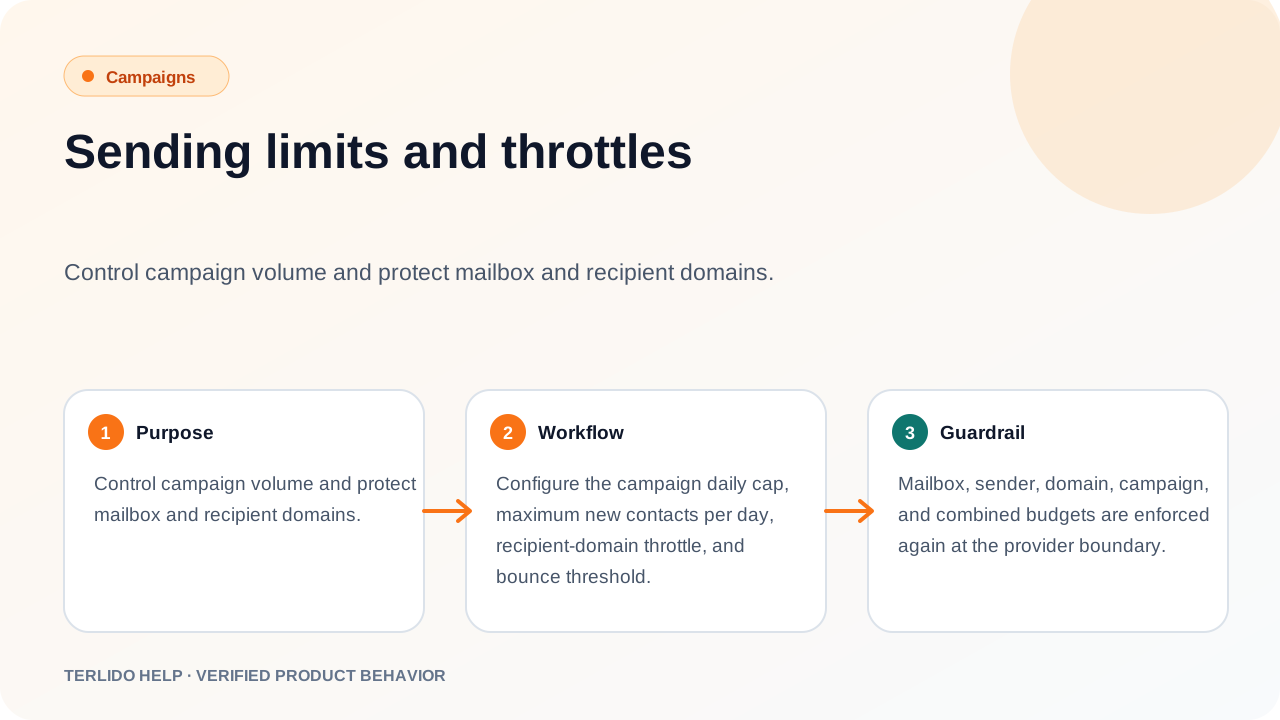
Every limit is re-enforced at the final send boundary. Mailbox, sender, domain, campaign, and combined budgets are all checked again in the moment before an email leaves, so a limit is never exceeded even when several sends happen at once.