Terlido Help
Campaigns

Manage campaign contacts

Inspect contact state, current step, sender, and recovery actions.

Inspect contact state, current step, sender, and recovery actions.
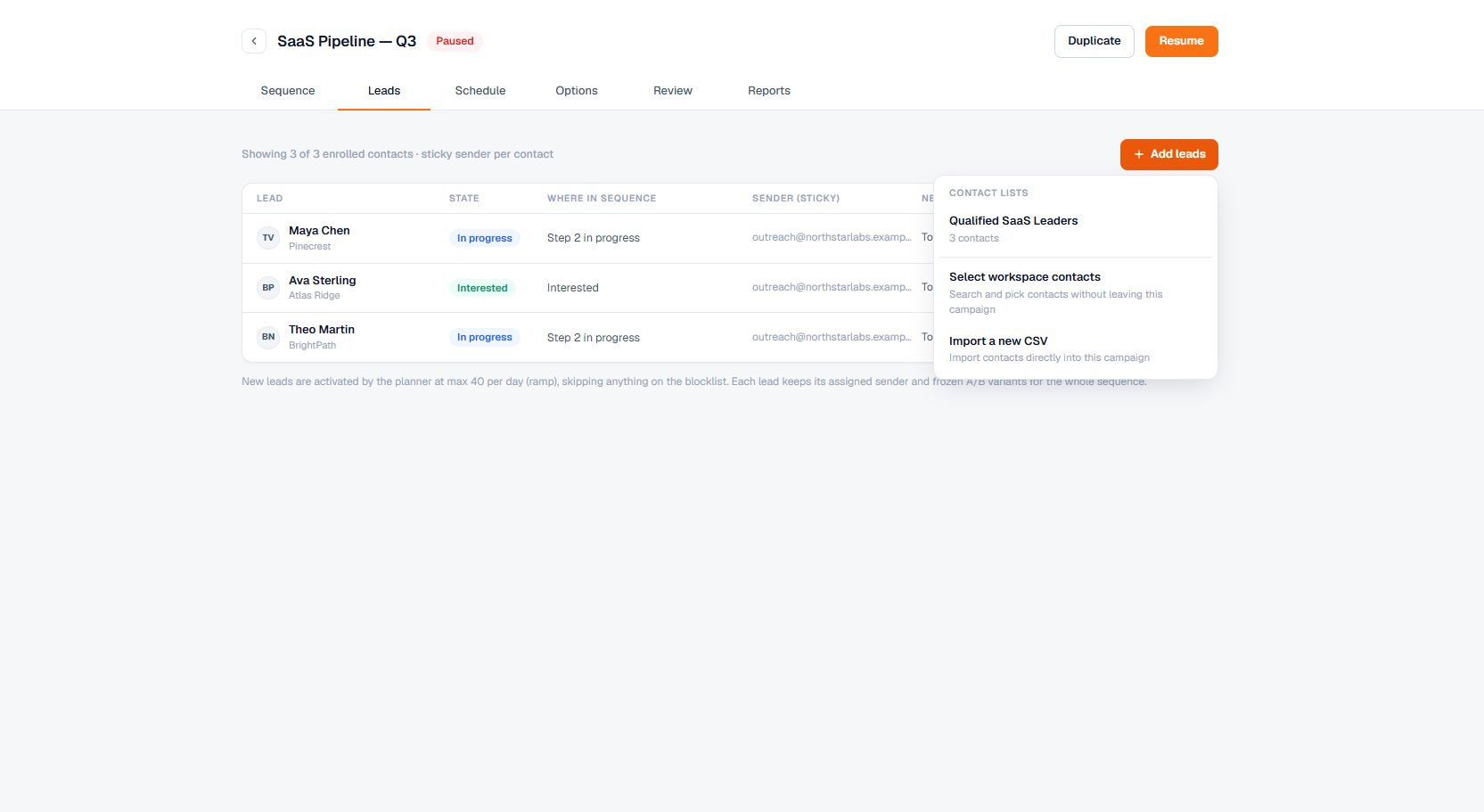
Current Terlido Campaign Add Leads Menu interface
The current Terlido Campaign Add Leads Menu interface. Fictional demo data is shown for documentation.
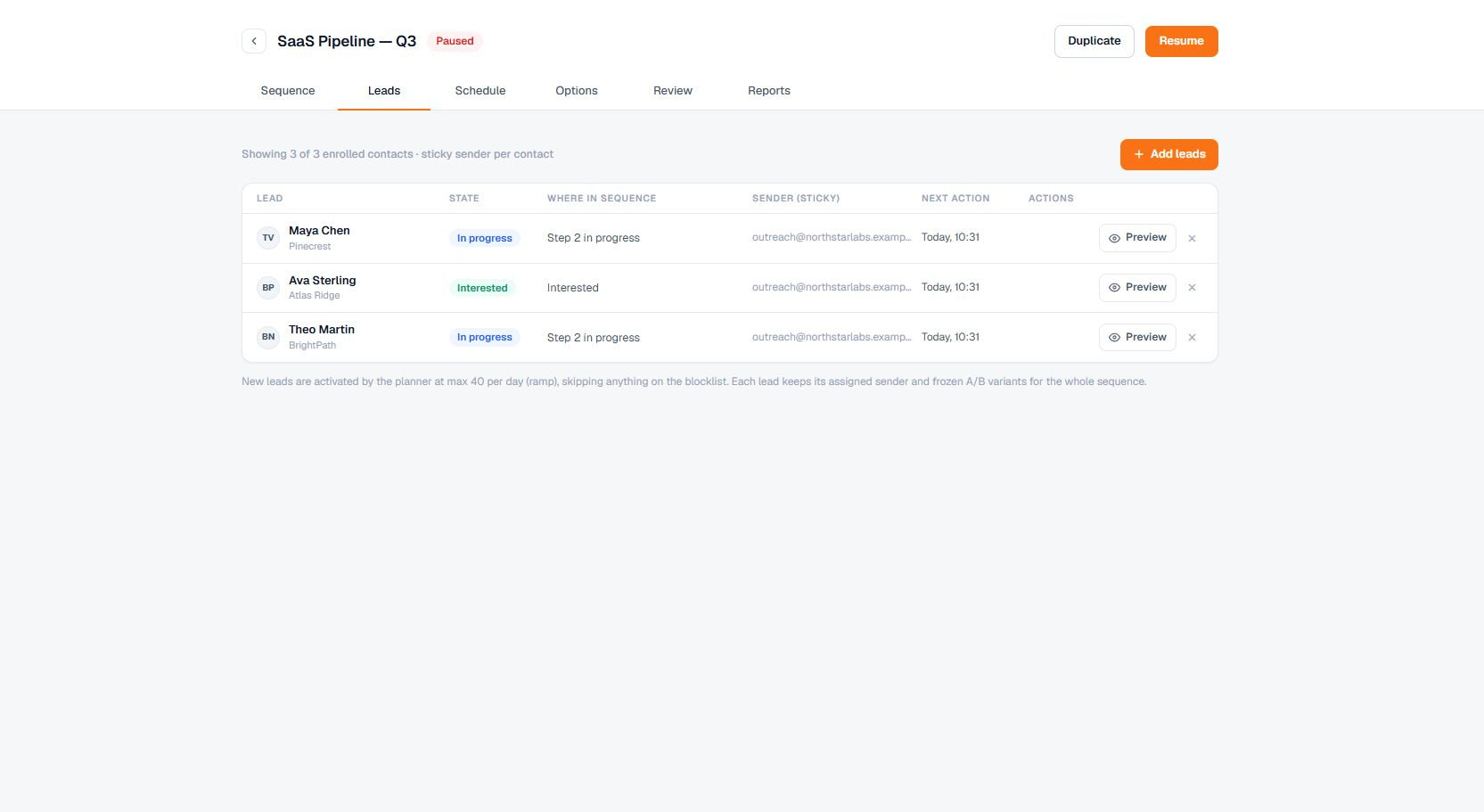
Terlido campaign Leads tab for managing enrolled contacts
The current campaign Leads tab. Fictional demo contacts show the workflow without exposing customer records.
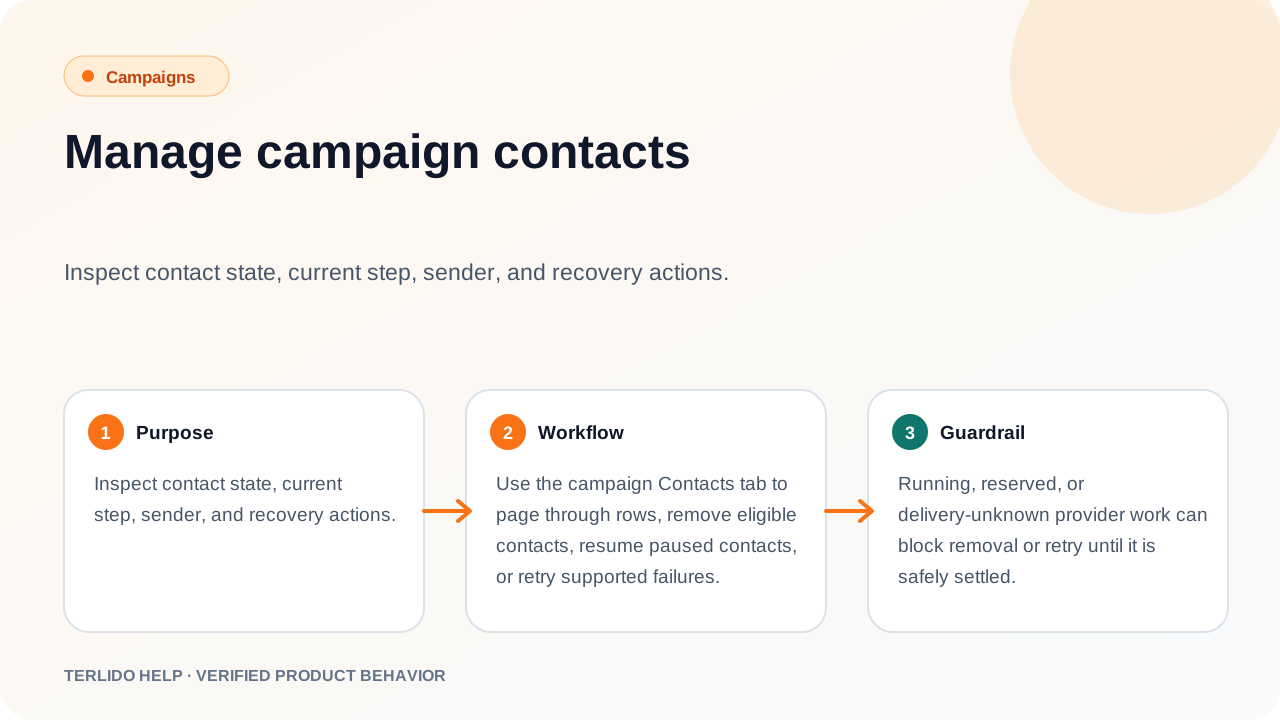
Manage campaign contacts workflow diagram
A page-specific visual summary of the verified campaigns behavior described below.

How to use it

Use the campaign Contacts tab to page through rows, remove eligible contacts, resume paused contacts, or retry supported failures.

Important behavior

Running, reserved, or delivery-unknown provider work can block removal or retry until it is safely settled.

On this page