Import subscribers
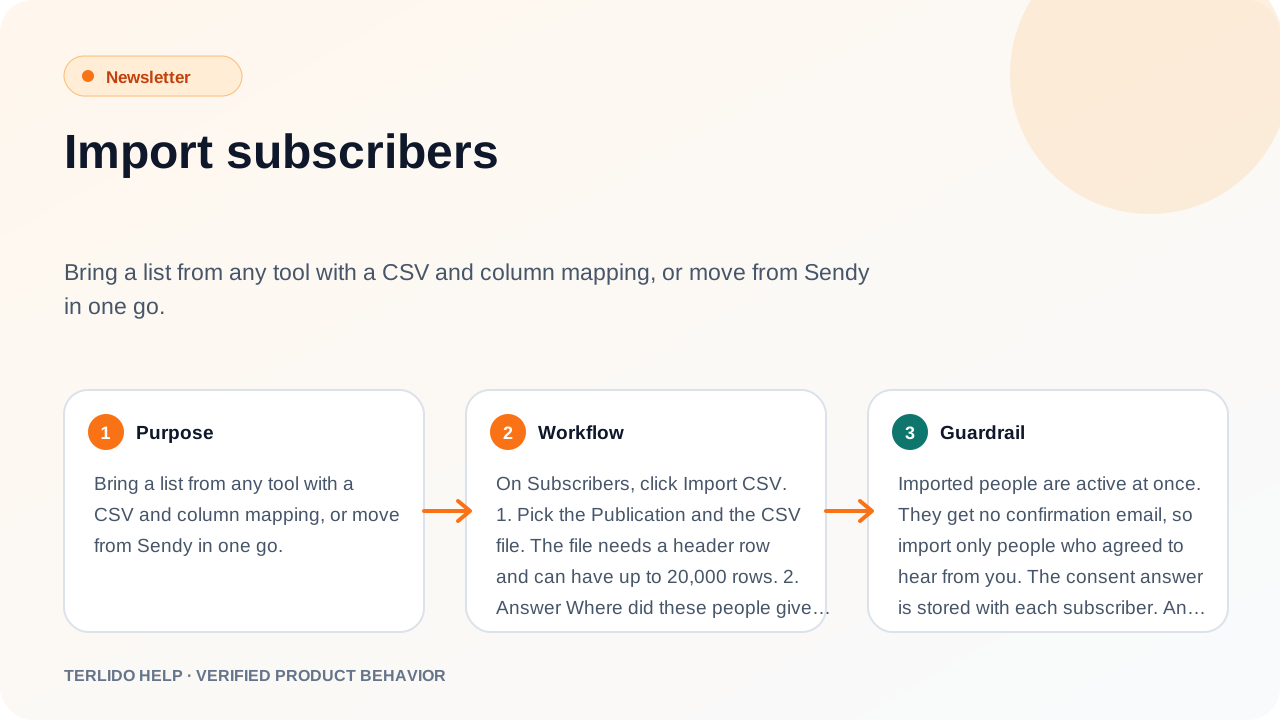
Bring a list from any tool with a CSV and column mapping, or move from Sendy in one go.
Bring a list from any tool with a CSV and column mapping, or move from Sendy in one go.
How to use it
On Subscribers, click Import CSV.
- Pick the Brand and the CSV file. The file needs a header row and can have up to 20,000 rows.
- Answer Where did these people give consent?: Signed up on my site, Customers who opted in, or Migrated from another platform.
- Map each column to Email, First name, Last name, Company, Company domain, Job title, Phone, LinkedIn URL, Timezone or a custom field, or choose Skip this column. Exactly one column must be Email.
- Optionally Tag everyone in this file. A new tag is created if needed.
- Start the import.
The progress table shows File, Status, Rows, Added, Skipped and Errors. You can close the window; the import keeps running. Click Download the exception report to see rows that were not added and why.
Important behavior
Imported people are active at once. They get no confirmation email, so import only people who agreed to hear from you. The consent answer is stored with each subscriber.
An import never changes someone already in the brand: their status is kept. Addresses on your suppression list are skipped. People who unsubscribed stay unsubscribed.
Rows above your plan's subscriber limit are not added and show as errors. The import warns you before it starts. Free includes 10,000 subscribers and Pro 100,000.
Coming from beehiiv, Substack, Mailchimp or another tool
Export your subscribers to CSV from that tool, then use Import CSV and map the columns.
Move from Sendy
Click Import from Sendy and upload your Sendy list exports: 1 to 8 files, up to 10 MB each and 25 MB together.
- Terlido reads each file's status from its name:
-active,-unsubscribed,-bouncedor-marked-as-spam. Use the Active export, not All or Unconfirmed. - Files without a header row work.
- If an address is in more than one file, the strongest status wins: spam, then bounced, then unsubscribed, then active.
- Bounced and spam addresses go on your suppression list, so you never email them.