Use your own domain
Serve a brand's public page and email links from a domain like news.yourcompany.com.
Serve a brand's public page and email links from a domain like news.yourcompany.com.
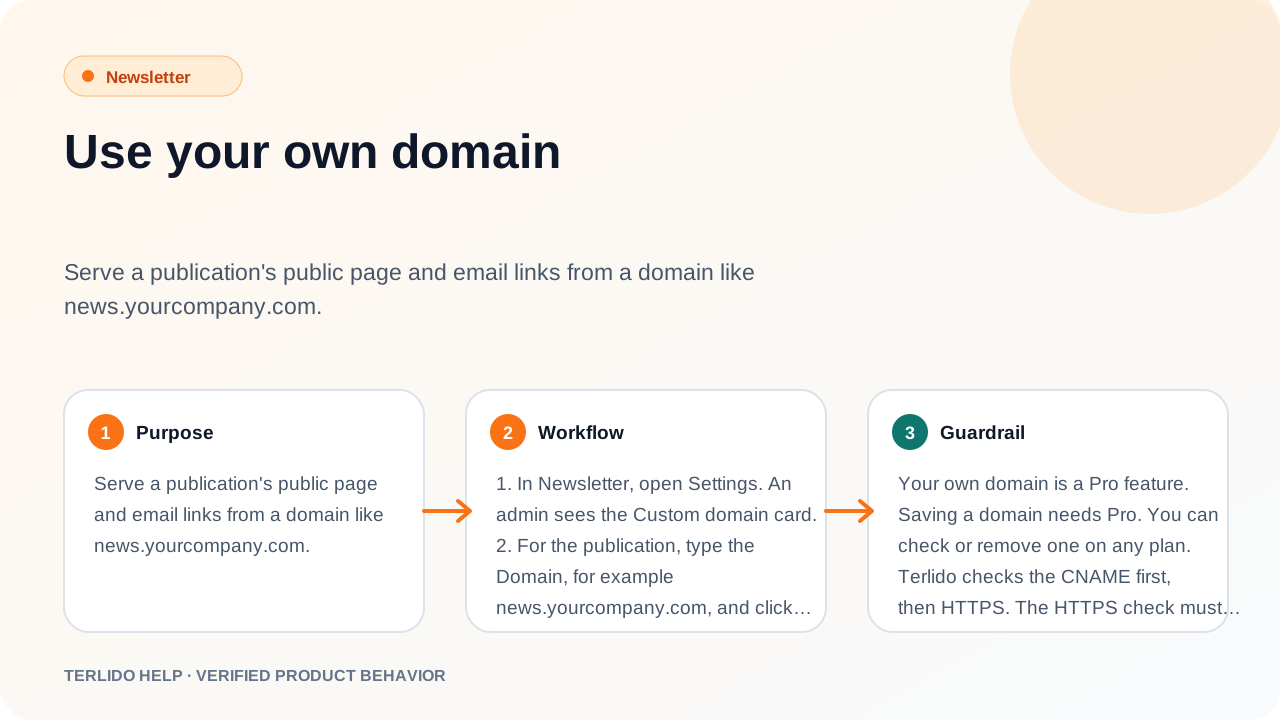
How to use it
- In Newsletter, open Settings and choose Domains. An admin sees the Custom domain card.
- For the brand, type the Domain, for example
news.yourcompany.com, and click Save. - At your DNS provider, add the record the card shows: a CNAME from your domain to Terlido's target.
- Click Check now. When both checks pass, the status turns to Working.
Important behavior
Your own domain is a Pro feature. Saving a domain needs Pro. You can check or remove one on any plan.
Terlido checks the CNAME first, then HTTPS. The HTTPS check must reach your domain without a redirect. Until both pass, the status is "Not working yet" with the reason, and Terlido keeps using its own address. Domains are checked again every hour.
What moves to your domain
- The public page and archive. Opening the bare domain sends readers to the public page.
- Click tracking, unsubscribe and preference links in your emails.
Only these public pages are served on your domain. Everything else returns "not found". Links in confirmation emails still use terlido.com.
With a working domain, search engines are pointed to your domain as the main address of the public archive.