Newsletter stats and reports
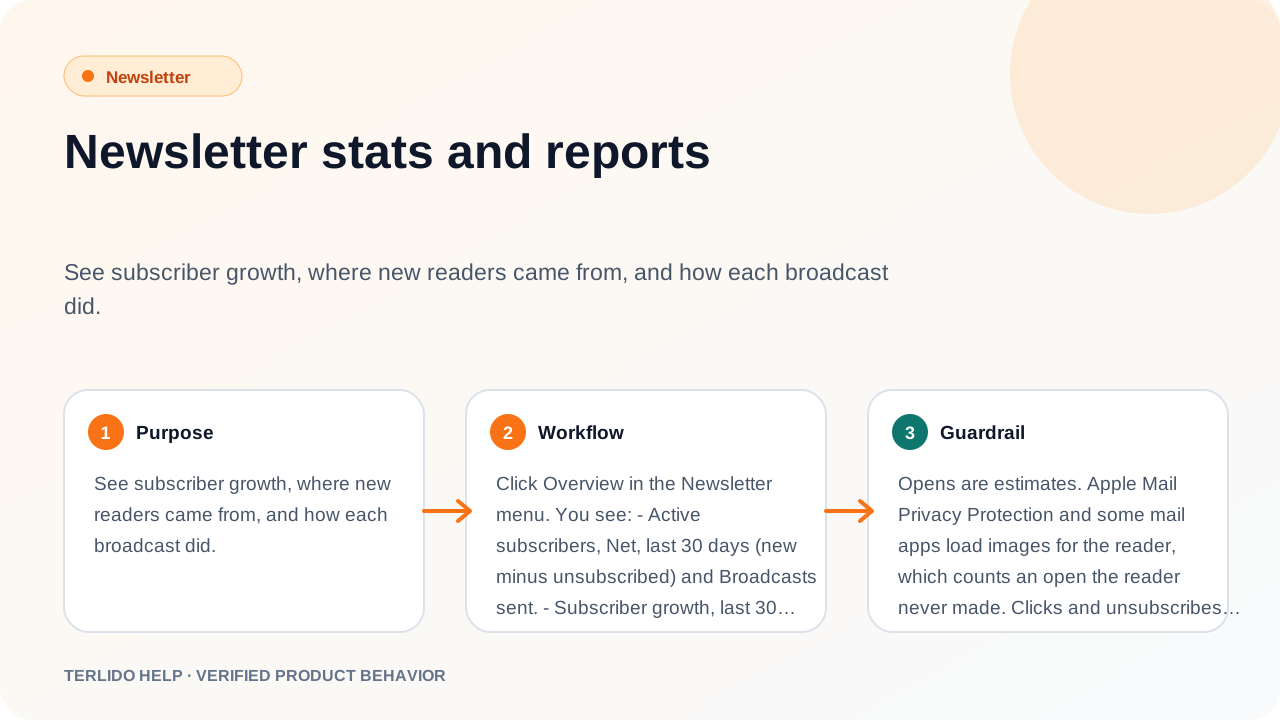
See subscriber growth, where new readers came from, and how each broadcast did.
See subscriber growth, where new readers came from, and how each broadcast did.
How to use it
Click Overview in the Newsletter menu. You see:
- Active subscribers, Net, last 30 days (new minus unsubscribed) and Broadcasts sent.
- Subscriber growth, last 30 days: a chart of new, unsubscribed and net readers per day. Confirmed signups and imports add; unsubscribes remove.
- New subscribers by source, last 30 days: Signup form, Magic link, Import, API, MCP or Migration. Switch to By utm_source to see which link brought signups from your forms (top 10, then Other).
- A table of your latest 100 broadcasts.
The numbers follow the Brand picker. Under All brands, they add up every brand you can see, with one row per brand and a Brand column in the broadcast table. See Get started.
Important behavior
Opens are estimates. Apple Mail Privacy Protection and some mail apps load images for the reader, which counts an open the reader never made. That is why Terlido never uses opens for segments, engagement or picking an A/B winner. Unsubscribes are counted exactly.
Verified clicks
Security filters at many companies (Microsoft Safe Links, Proofpoint, Mimecast, Barracuda, Google) open every link in an email to check it, before anyone reads it. Those are not readers. Terlido keeps every click, but marks a click as a link scanner when:
- its browser name belongs to a known scanner,
- it comes from an address range a known scanner uses,
- it arrives less than 15 seconds after the email left (or before the send time), or
- the same reader clicks two different links of one email within one second. All clicks in that second then count as scanner clicks, the earlier ones too.
The other clicks are verified. Verified clicks drive unique clicks, click rate, the engagement score, dormant readers, the "last click" segment rule, "clicked any email" in automations, and the A/B subject winner. The raw numbers stay in the report next to them.
Limits: these are heuristics, not proof.
- A scanner that uses a normal browser name, from an address Terlido does not know, more than 15 seconds after delivery, and on one link only, still counts as verified.
- A real reader who opens two different links within one second counts as a scanner.
- Automation emails use only the browser-name and address rules.
- Terlido never stores the reader's IP address or browser name, only the verdict.
- Clicks recorded before this was added all count as verified.
Broadcast table
Each sent broadcast shows Subject, Sent on, Sent, Bounced, Soft bounced, Marked as spam, Unsubscribed, Unique clicks, Click rate and Opens (estimated).
- A unique click is a reader's first verified click. Every click, scanner clicks too, is still logged.
- An open is the first time the tracking image loads for a reader.
A sent broadcast with a poll also shows Poll results: votes and percentage per answer.
One broadcast's report
Open a sent broadcast from Broadcasts. Under its progress you see:
- Over the first 30 days: verified unique clicks and estimated opens per hour for the first 72 hours, then per day (UTC).
- Links: every link in the email with Verified (people who clicked it, scanners left out), Raw (every click on it, scanners included) and Share (its part of all verified clicks across the links). Addresses show as written, without your UTM tags.
- Recipients: tabs for Sent, Opened (estimated), Clicked, Unsubscribed, Bounced, Soft bounced and Marked as spam, each with the count and rate. The Clicked tab counts verified clickers and shows the raw number next to it (for example "Clicked · 4 (50.0%) · 7 raw"). Each tab lists email and time, 50 at a time, newest first. Export CSV downloads the whole tab.
Someone you deleted from your subscribers still counts in the totals but no longer appears in these lists, links or charts.
Bounces and spam complaints
Terlido reads bounces and spam complaints from the inbox of your connected mailboxes. Each email counts once on its broadcast, however many notices come back for it.
- Bounced: the email could not be delivered (a 5.x.x error). The address goes on the workspace Blocklist and the subscriber becomes Bounced, so no brand emails it again.
- Soft bounced: a delay or temporary failure (a 4.x.x error, for example a full mailbox). Nothing changes for the subscriber. After 3 soft bounces on 3 different emails with no click in between, Terlido treats the address as bounced. A click resets the count. If the same email first soft-bounces and then fails, it counts as Bounced only.
- Marked as spam: the reader reported the email as spam. The subscriber becomes Complained in this brand: no more broadcasts or automation emails from it, and Outreach stops emailing them too. Other brands are not changed. The address is not put on the Blocklist. Only the reader can sign up again. Your
subscriber.unsubscribedwebhook fires withvia: "spam_complaint".
A spam complaint only reaches Terlido when the reader's mail provider sends a feedback-loop report (the standard ARF format) to a mailbox connected for Newsletter in the same workspace. It does not have to be the mailbox that sent the email.
- Yahoo and AOL (Yahoo Complaint Feedback Loop) and Microsoft Outlook.com (JMRP) send these reports, but only after you sign up for their feedback loop and give an address in a connected mailbox, for example
abuse@yourdomain.com. - Gmail sends no per-message reports to senders. Gmail complaints show only in Google Postmaster Tools, so they are not counted here.
- A report that is forwarded as an attachment, or that is not in the ARF format, is not detected. It shows under Replies > Needs routing. A report about an Outreach campaign email also goes there: Outreach does not act on spam complaints yet.
So a low "Marked as spam" number does not always mean nobody complained.
Engagement
The Subscribers table scores each reader over the last 90 days: +3 per verified click, -1 per broadcast with no verified click.
- Low is 0, medium is 1 to 5, high is 6 or more.
- A reader with no verified click in 90 days is dormant.
UTM tags on links
Terlido adds UTM tags to the links in a broadcast so your web analytics can see newsletter traffic:
utm_source: your own value, or the brand's short name.utm_medium=email.utm_campaign: the subject.
Turn it off, change the source or add up to 5 extra tags in Settings under Growth, with Link UTMs. Links that already carry a utm_ tag, links to Terlido and links to your own brand domain are left alone. Tags are fixed when you prepare a send, so changing the setting later does not change a sent issue.