Public archive
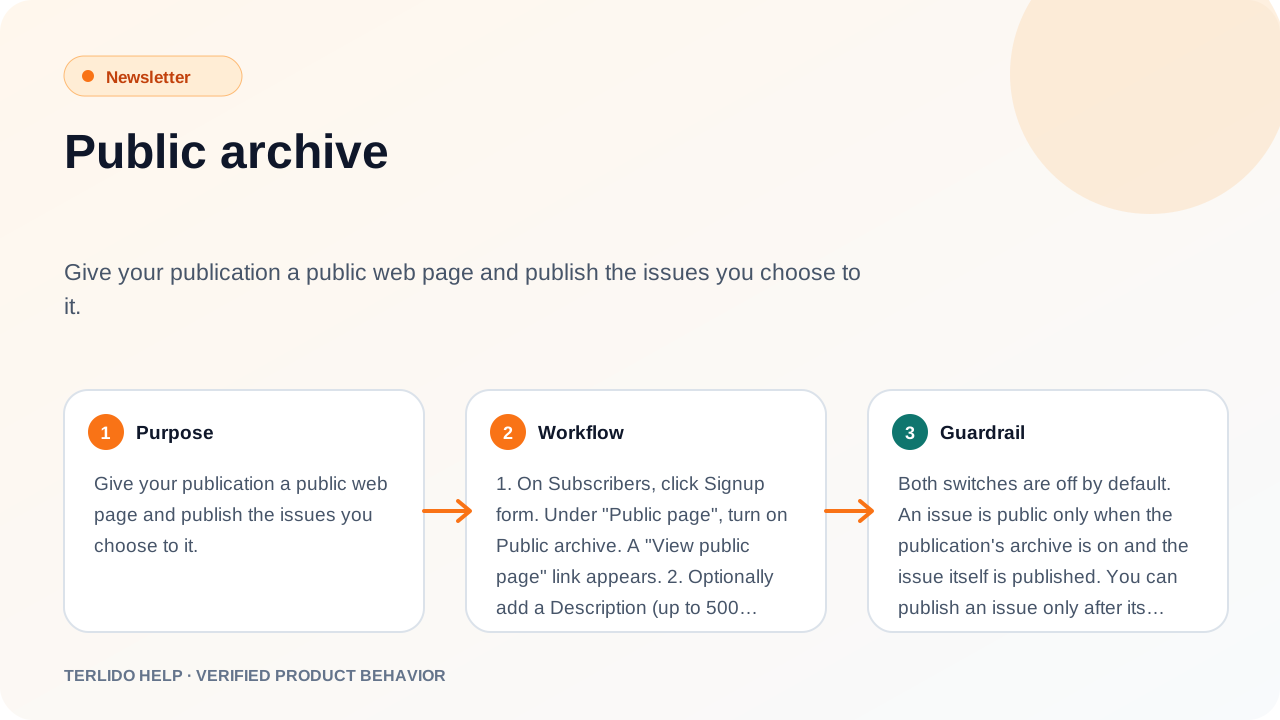
Give your brand a public web page and publish the issues you choose to it.
Give your brand a public web page and publish the issues you choose to it.
How to use it
- On Subscribers, click Signup form. Under "Public page", turn on Public archive. A "View public page" link appears.
- Optionally add a Description (up to 500 characters, then Save description) and a Logo.
- After a broadcast is sent, open it and turn on Publish to archive. A "View in archive" link appears.
Important behavior
Both switches are off by default. An issue is public only when the brand's archive is on and the issue itself is published. You can publish an issue only after its first email has gone out.
What readers see
The public page lives at https://terlido.com/p/{workspace}/{publication}. It shows your logo, description, a subscribe form and an Archive list of published issues, newest first.
Each issue has its own page with the subject, the date, the body and a "Subscribe to …" link. On the web copy:
- Merge tags show their fallback, not a reader's data.
- Unsubscribe, preference and tracking links are removed.
- Poll answers become plain text.
You can add a pop-up signup form to issue pages.
RSS feed
With the archive on, your brand also has an RSS 2.0 feed at https://terlido.com/p/{workspace}/{publication}/rss. It lists your 20 newest published issues, newest first, each with its title, date, link and full body (the same web copy as the issue page). Feed readers and RSS-to-email tools find it on their own from the public page. With your own domain, the feed and its links use your domain. With the archive off, the feed is not found (404). A change can take up to 5 minutes to show in the feed.
Search engines
With the archive on, the public page and issue pages can be indexed by search engines and are listed in Terlido's sitemap. With the archive off, the public page is not indexed. With your own domain, pages point search engines to your domain instead.